

A PDF's tables, with numbers that add up.
Convert a PDF's tables to Excel in your browser, with nothing uploaded: a sheet for each table, numbers stored as numbers and shown as the PDF writes them.
By Suraj Kumar3 min read
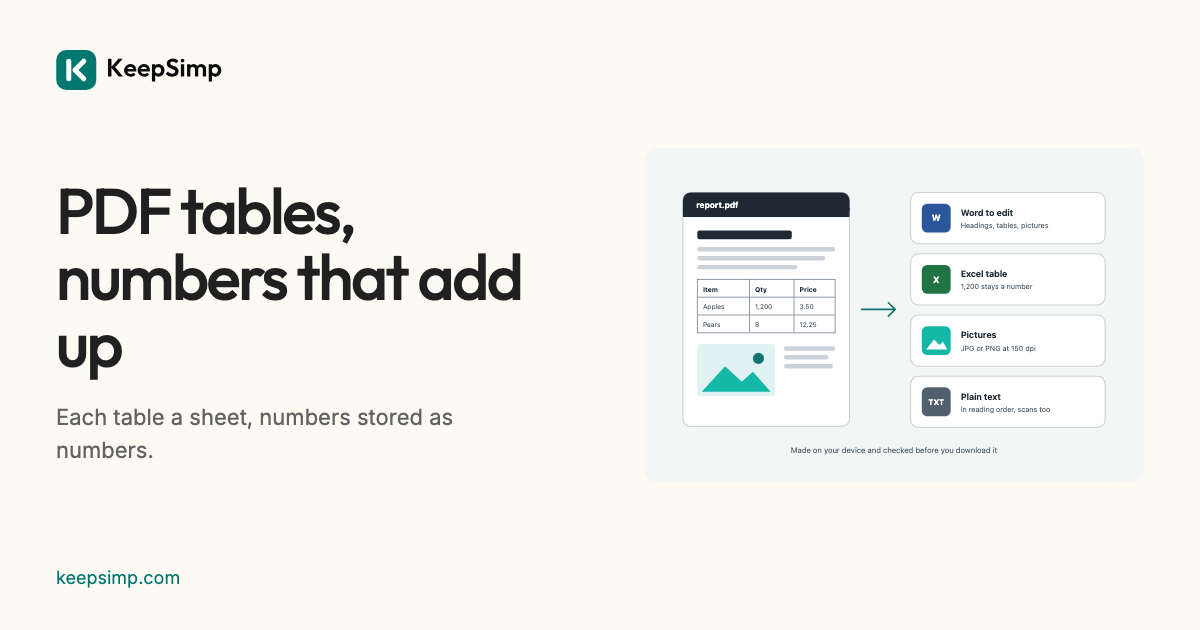
Copying a table out of a PDF gives a heap of words. The converter finds the table, keeps its rows and cells, and makes its numbers numbers again.
Add the PDF, press Make the Excel file.
Open PDF to Excel, add the PDF and press Make the Excel file. A locked PDF asks for its password first. Each table becomes a sheet named after its page; under More options, One for each page puts a page's tables on one sheet.
Numbers stay numbers.
A cell that is plainly a number is stored as one, with a number format that shows it as the PDF did: 1,234.50 is 1234.5 shown with a thousands comma and two decimals, 12% is 0.12 shown as a percentage, and (300) is minus 300 shown in brackets. Codes with leading zeros such as 007, dates, and numbers written with a decimal comma stay text, so nothing is changed by a guess.
Which tables are found.
Tables are found by their ruling lines and by how their words line up in columns. When no table is found, each page's lines become rows, cut into cells where words stand far apart, and the result says so: check the columns. A cell that spans several columns is put in the first of them.
Your file never leaves your device.
The PDF or Word file is read and the result is written in your browser. Nothing is uploaded, there is no account, and nothing is kept when you leave.
Further reading
Topics: PDF to Excel · PDF to Excel converter free · PDF to XLSX · extract tables from PDF · PDF table to Excel · password protected PDF to Excel · PDF to spreadsheet
A little less theory. A little more doing.
Try it on your own terms, with a free browser tool.
Try the tool