

Every page as a picture.
Convert each page of a PDF to JPG in your browser, with nothing uploaded, at the sharpness you choose, or take out the pictures it holds. Many pages in a ZIP.
By Suraj Kumar3 min read
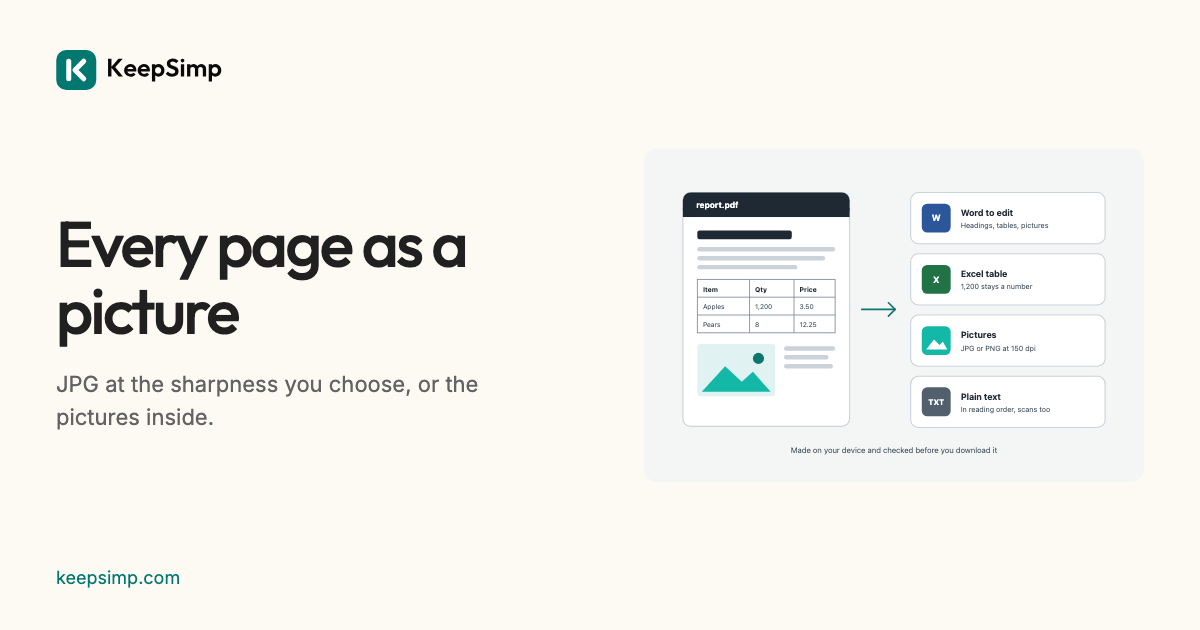
A page as a picture goes where a PDF cannot: a slide, a chat, a website. The converter draws each page, or takes out the photographs a PDF holds.
Add the PDF, press Make JPG pictures.
Open PDF to JPG, add the PDF and press Make JPG pictures. One page comes as a picture; more come in one ZIP, named after the PDF and the page.
Or the pictures it holds.
Under More options, The pictures it holds takes out each picture at its own size, instead of drawing the pages. A logo shown on every page is kept once, and dots and rules too small to be pictures are passed over.
Your file never leaves your device.
The PDF or Word file is read and the result is written in your browser. Nothing is uploaded, there is no account, and nothing is kept when you leave.
Further reading
Topics: PDF to JPG · PDF to JPG high quality · PDF to JPG 300 dpi · save PDF as JPG · PDF to image · convert PDF to JPG · extract images from PDF · PDF page to picture
A little less theory. A little more doing.
Try it on your own terms, with a free browser tool.
Try the tool