

A bank statement in a spreadsheet, without handing it over.
Turn a bank statement PDF into an Excel file in your browser, with nothing uploaded: tables into sheets, amounts as numbers, locked statements too.
By Suraj Kumar4 min read
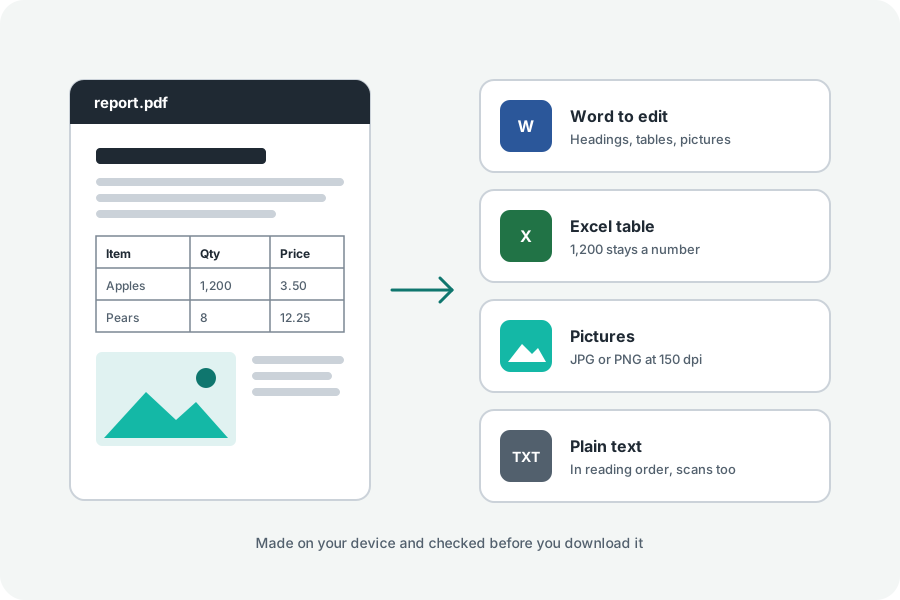
A budget, a tax return or an expense claim needs the transactions in a spreadsheet, and the bank gives you a PDF. A statement holds your account number, your balance and everything you bought, which is a lot to hand to a website for the sake of a few columns. Here is how to convert it on your own device.
Add the statement, make the workbook.
Open PDF to Excel and add the statement. Many banks lock statements with a password, often a date of birth or part of an account number; the file's row asks for it, and it is used only in your browser. Press Make the Excel file and download the .xlsx.
Each table becomes a sheet named after its page. Under More options, Sheets set to One for each page puts each page's tables on one sheet instead. To convert only the pages with transactions, choose Choose pages and type them, such as 2-5.
Amounts become numbers you can add up.
A cell that is plainly a number in English writing is stored as one, with a format that shows it as the statement did: 1,234.50 with its thousands comma, (300.00) as minus 300 in brackets, a currency sign in front. So a column of amounts can be summed straight away.
Some things stay text on purpose, so nothing is changed by a guess. Dates stay as written; Excel's own tools turn text into dates when you need them. Numbers written with a decimal comma, as many European banks write them, stay text. So do codes with leading zeros and numbers longer than 15 digits, such as card and account numbers, which Excel would otherwise round.
When the statement has no ruled table.
Tables are found by their ruling lines and by how their words line up in columns. Some statements are laid out with neither. Then each page's lines become rows, cut into cells where words stand far apart, and the result asks you to check the columns. A description that runs onto a second line may land in a row of its own; tidy those in Excel.
Check the total of a column against the statement's own closing balance before you rely on the sheet.
Scanned and photographed statements.
A scan is a picture of a statement and has no text to put into cells, so PDF to Excel cannot read it. If your bank offers a statement to download, use that rather than a scan. For a scan you only need to read, the words can be taken out as plain text with OCR.
Your statement stays with you.
The statement is opened, read and written in your browser, and the workbook is unzipped and compared with the PDF cell by cell before it is offered. Nothing is uploaded or kept.
Further reading
Topics: bank statement PDF to Excel · convert bank statement to Excel · PDF statement to spreadsheet · password protected PDF to Excel · credit card statement to Excel · extract transactions from PDF · PDF to Excel free
A little less theory. A little more doing.
Try it on your own terms, with a free browser tool.
Try the tool