

A PDF's words, and a scan's too.
Extract the text from a PDF in your browser, with nothing uploaded: words in reading order, tables as rows, and scanned pages read by OCR on your device.
By Suraj Kumar3 min read
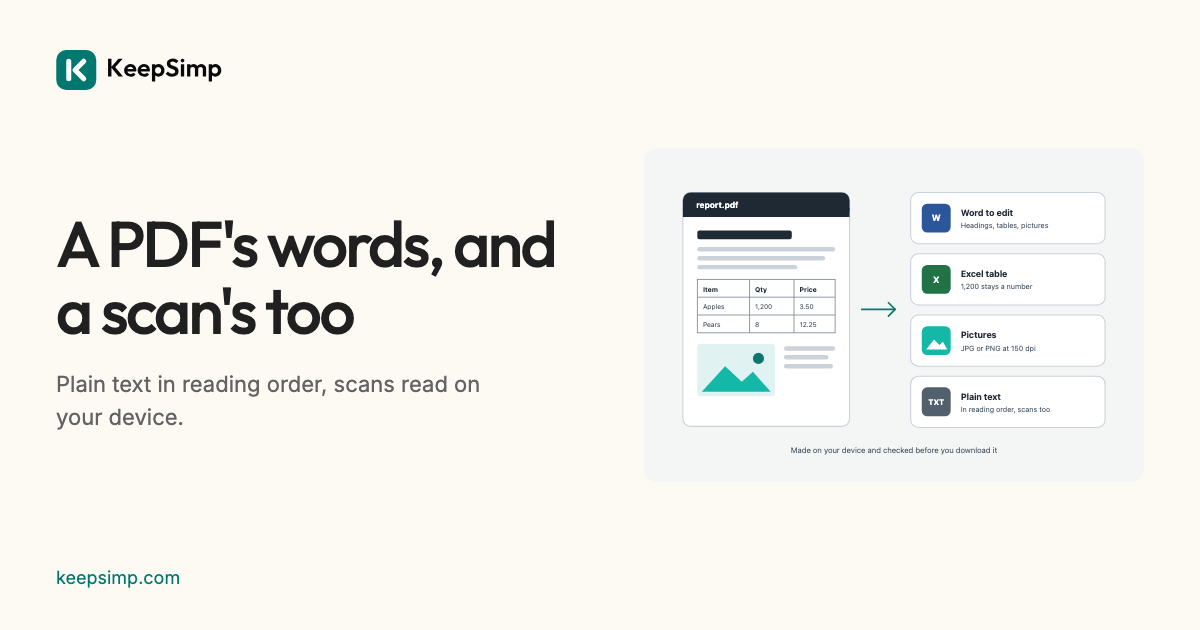
Copying from a PDF often gives words in the wrong order, page numbers in the middle and broken words. The converter gives the words in the order they are read.
Add the PDF, press Take out the text.
Open PDF to text, add the PDF and press Take out the text. You get a .txt file in UTF-8 with paragraphs and pages parted by an empty line, and tables as rows whose cells are parted by tabs, ready to paste into a spreadsheet.
Scanned pages, read by OCR.
A scanned page holds a picture of its words and no text. Turn on Read scanned pages (OCR) under More options and choose the language: pages with no text are read by Tesseract on your device, the same engine as the PDF editor's. The first time, Tesseract and the language are loaded from this site and kept. OCR can misread, so the result says how sure it was.
Without headers and page numbers.
Lines that repeat at the top or foot of most pages, and page numbers, are left out, and the result says how many. Turn on Keep headers and footers to keep them.
Your file never leaves your device.
The PDF or Word file is read and the result is written in your browser. Nothing is uploaded, there is no account, and nothing is kept when you leave.
Further reading
Topics: PDF to text · extract text from PDF · PDF to TXT · copy text from PDF · OCR PDF to text · scanned PDF to text · PDF to text converter free
A little less theory. A little more doing.
Try it on your own terms, with a free browser tool.
Try the tool