

Try React without installing anything.
Write React components in JSX and see them run as you type. JSX is compiled on your device and React comes from esm.sh. Free, no account, no install.
By Suraj KumarUpdated 3 min read
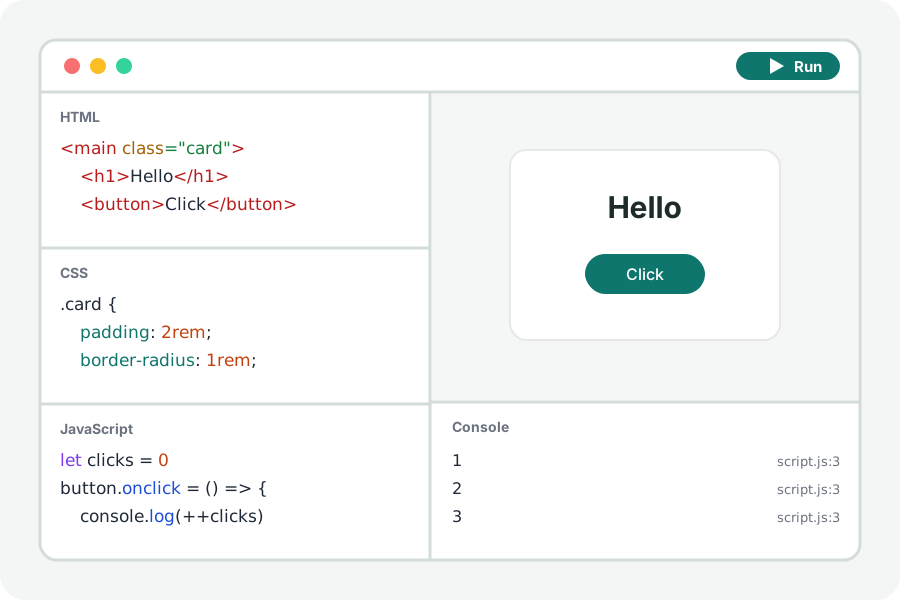
Setting up a React project takes longer than trying the idea you had. The React playground compiles your JSX in the browser and fetches React when the page runs, so a component is a few lines away.
A component in a minute.
Open the React playground and press Start with a counter: a component with useState that renders into the page. Change it and the page runs again as you type.
JSX is compiled by Sucrase on your device with React's automatic runtime, and react, react-dom and any other package you import are fetched by the page from esm.sh. The console says which, each time.
TypeScript too.
Choose TSX in the JavaScript editor's title to write typed components. Types are taken out as the code is compiled, line for line, so errors still point at your code; they are not checked.
Your code stays on your device.
Everything is compiled and run in your browser. Nothing you write is uploaded and there is no account. Files from other sites that your page asks for (a package, a font, a stylesheet) are fetched by the page from those sites, as any page would.
Further reading
Topics: react playground · react online · jsx · try react · react sandbox · react jsx online
A little less theory. A little more doing.
Try it on your own terms, with a free browser tool.
Try the tool