

A mirror for your photos.
Mirror a photo from left to right, so a selfie looks the way others see you, or from top to bottom, in your browser and without losing quality.
By Suraj Kumar2 min read
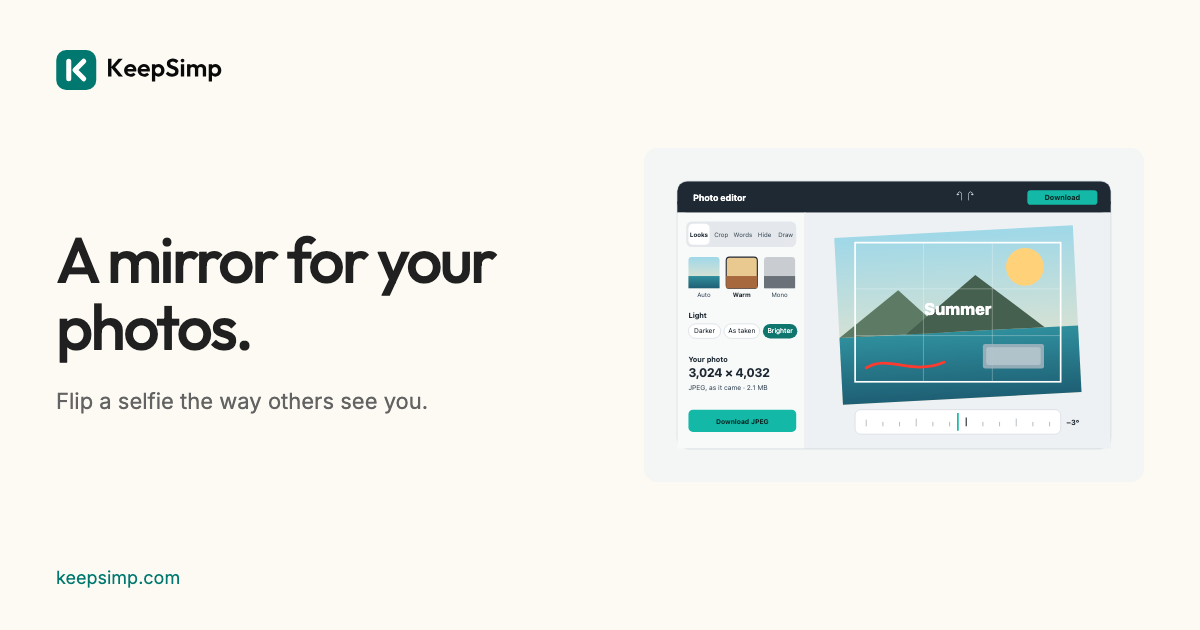
A selfie camera shows you as a mirror does, and some apps save it that way. Flipping puts it back the way others see you, or turns a picture to face the other way on a page.
Left to right, or top to bottom.
Open Flip image, add a photo, and press Flip left to right or Flip top to bottom. Press it again to put it back. Each pixel goes to its mirrored place, so nothing is blurred.
Words read backwards in a mirror.
Writing in a flipped photo reads backwards, so check signs and shirts before you share it. Words you add in the editor are always written the right way round, even after a flip.
Everything else is one press away.
The editor's other tools sit beside the photo: crop it to a shape, give it a look, add words or blur a face before you download it.
Your photo stays on your device.
The photo is opened, changed and written in your browser; it is never uploaded. The downloaded file carries no location or camera details, and nothing is kept when you leave.
Further reading
Topics: flip image · mirror image · flip photo horizontally · mirror selfie · flip picture · mirror image online
A little less theory. A little more doing.
Try it on your own terms, with a free browser tool.
Try the tool