

Is it safe to unzip files online?
Unzip in your browser with nothing uploaded, or on an upload site? Where the archive goes, and how KeepSimp handles zip slip, zip bombs and programs.
By Suraj Kumar5 min read
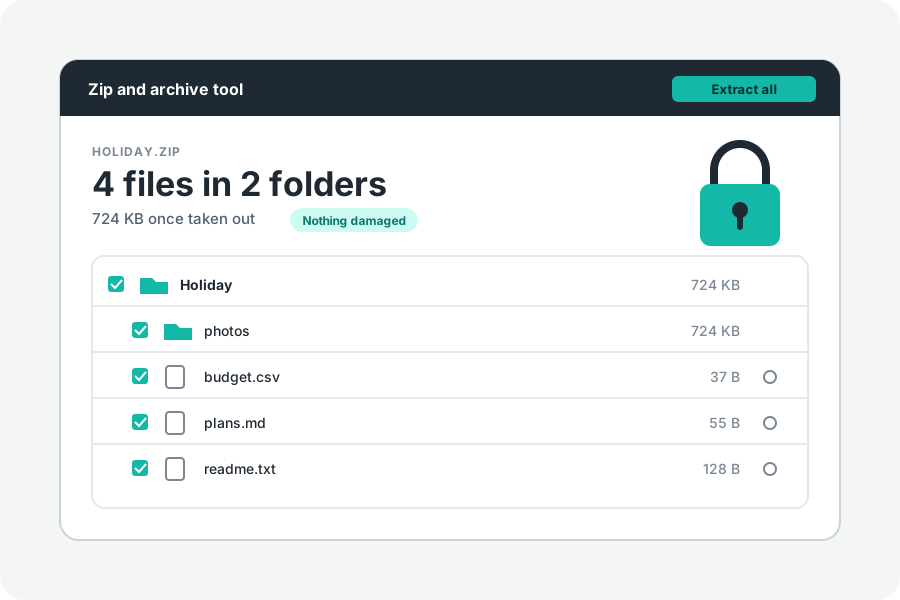
Two questions hide in this one. Is it safe to hand your archive to a website? And is it safe to unpack what is in it? The answers are different, and both matter.
Where the archive goes.
Many online unzippers upload the archive to their server and unpack it there. Their pages say how long they keep it, often hours. Archives tend to hold what people would rather not send around: tax papers, photos, a whole project folder.
KeepSimp's Zip and archive tool reads the archive in your browser, on your device. Nothing in it is sent anywhere. Files are written into a folder you choose, or into the browser's private storage for this site while they are made and then downloaded; that storage is emptied when you leave the page.
Names that climb out of the folder.
An entry named ../../something can make a careless unzipper write outside the folder you chose, over a file of yours. This is known as zip slip.
Here every name is judged before a byte is written. Names that lead out of the folder, start at the top of a disk or with a drive letter, hold a NUL character, or are reserved on Windows; two names that differ only by capitals; links, devices and pipes: all are listed under Left out for safety in More options, with the reason, and never written. The browser itself also lets the page write only inside the folder you chose.
Archives that grow without end.
A zip bomb is a small archive that unpacks into far more than any disk can hold. One published example turns 46 MB into 4.5 petabytes.
The page counts what is really written, not what the archive claims. It stops when more than 64 GB would be written in all, or when, past the first 1 GB, what comes out is more than a thousand times the archive's size, and it says why. More than 200,000 entries are left out. Stop ends any job at once.
Unpacking is not running.
Taking a file out of an archive does not run it. The danger is in opening what came out: programs (.exe, .msi, .app), scripts (.bat, .cmd, .js, .vbs, .ps1), shortcuts (.lnk) and documents with macros. Open only what you expected to receive.
This page never opens or runs anything it takes out. Previews show pictures, text, sound and video only, and a web page or a script is shown as its text. The page does not look for viruses; leave that to your computer's own protection.
Passwords stay with you.
A password typed for a locked archive is used on your device, stays on the page while it is open, and is never kept or sent.
Further reading
Topics: is it safe to unzip files online · unzip without uploading · zip slip · zip bomb · safe zip extractor · private zip extractor · zip file virus · open zip safely
A little less theory. A little more doing.
Try it on your own terms, with a free browser tool.
Try the tool