

A locked ZIP, opened with the password you were given.
Open a ZIP locked with AES or ZipCrypto in your browser, with nothing uploaded: type the password you know and take out the files. A lost one cannot be found.
By Suraj Kumar4 min read
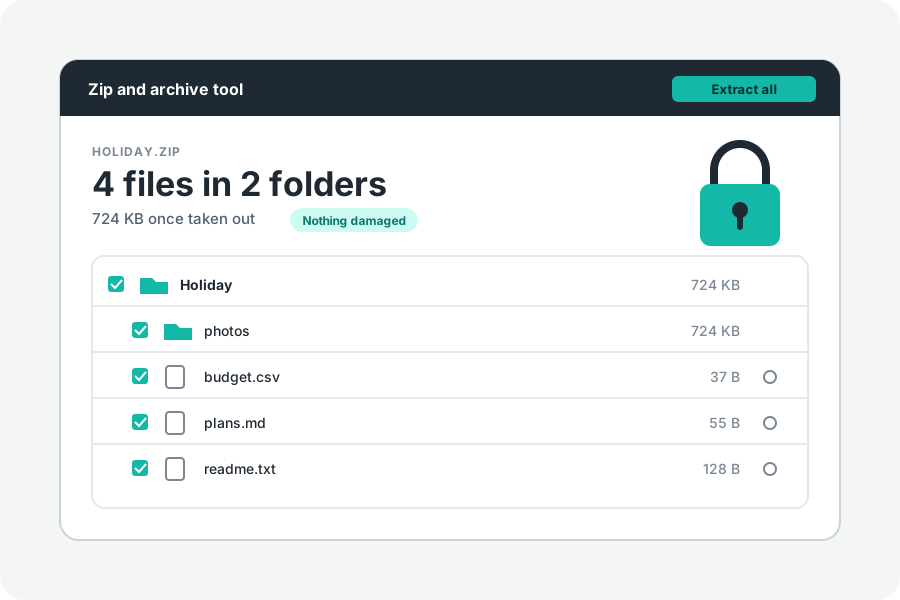
Someone sent you a ZIP and a password, and your computer will not open it. That is common: there are two kinds of ZIP lock, and the programs built into Windows and macOS do not open them both. KeepSimp opens both, in your browser, with the password you were given.
Two kinds of lock.
ZipCrypto is the original ZIP password from PKZIP. Almost every program opens it, but it is weak: a known-plaintext attack against it was published in 1994. AES is the newer lock, specified by WinZip, at 128, 192 or 256 bits. 7-Zip, WinZip, WinRAR and many others write it.
The page says which kind an archive uses, such as “Every file is locked with a password (AES-256)”, and opens both. PKWARE's own strong encryption, which is rare, is not opened, and the page says so.
What the page does with the password.
Type the password and press Unlock. It is checked against the archive on your device. When it does not fit, the page says so, and reminds you that capitals and spaces count.
The password stays on the page while it is open and is never kept or sent anywhere. It is forgotten when you open another archive or close the page.
ZipCrypto has no rule for letters outside English. A password with é or ü is tried as written by today's programs (UTF-8), then as old DOS and Windows tools wrote it, so a password typed correctly opens a file made either way. With ZipCrypto, a wrong password can pass its first check once in 256 tries; the file's checksum then fails, and the page says the password may be wrong or the file damaged.
What you take out is no longer locked: one file is saved as it is, and several come as one ZIP with no password. Keep them as carefully as the archive.
Why Windows or a Mac may not open it.
Microsoft's own help says Windows does not support operations on encrypted archives, and suggests other programs such as 7-Zip or WinRAR. In practice File Explorer often opens the old ZipCrypto lock, but not AES.
On a Mac, in our tests, Archive Utility and the unzip that comes with macOS did not open AES-256 files. This page opens both kinds of lock in any browser, on Windows and on a Mac.
A forgotten password cannot be found here.
The page does not guess passwords or try lists of them. An AES archive with a good password cannot practically be opened without it. If you have lost it, ask whoever made the archive to send it again, or to send the files once more.
Further reading
- AES encryption information: encryption specification AE-1 and AE-2, WinZip (opens in a new tab)
- A known plaintext attack on the PKZIP stream cipher, Biham and Kocher (1994) (opens in a new tab)
- APPNOTE.TXT: the .ZIP file format specification, PKWARE (opens in a new tab)
- Zip and unzip files, Microsoft Support (opens in a new tab)
Topics: password protected zip · open encrypted zip · unzip with password · aes zip · zipcrypto · open aes-256 zip on windows · open locked zip on mac · forgot zip password
A little less theory. A little more doing.
Try it on your own terms, with a free browser tool.
Try the tool