

Make a tar.gz of your files and folders.
Make a tar.gz or a plain tar in your browser, with nothing uploaded: files and folders packed as Linux and servers expect, long names kept.
By Suraj Kumar4 min read
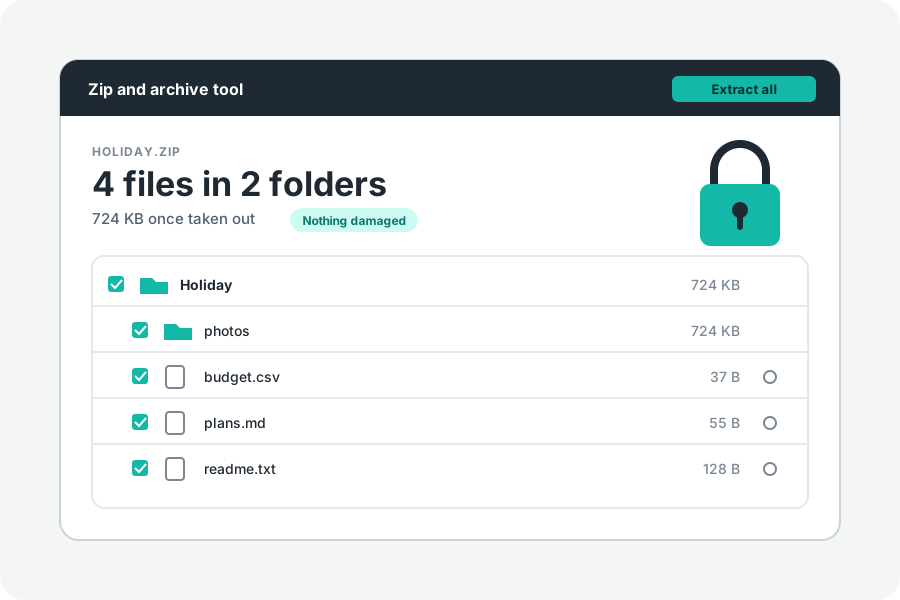
Servers, hosting panels and Linux tools often ask for a tar.gz rather than a ZIP. On a terminal it is `tar -czf`. KeepSimp makes one in your browser from the files and folders you drop: nothing is uploaded, and the folders come out the same on the other side.
Three steps.
Open Create a tar.gz and drop files or folders on it, or press Choose files or Choose a folder. Give it a name, and press Make the tar.gz. When it is ready, the page says how large it is and how much smaller than the files, and the download button carries its name.
On the Zip and archive tool's own page, choose Make a ZIP, then tar.gz under More options, in Kind of archive. A plain tar, which bundles the files without packing them smaller, is the third choice there.
What goes into it.
Every file keeps its folders and its date. Names with accents or other alphabets, and names too long for the older ustar layout, are written in POSIX pax records as UTF-8, which GNU tar, bsdtar (the tar of macOS and Windows) and Python read. So is the size of a file over 8 GB.
Files are written readable by everyone and folders openable by everyone (modes 0644 and 0755), owned by user 0 with no user or group name, since a browser does not know a file's owner or permissions. Nothing a Mac adds goes in: no ._ files, no extended attributes. Links are not written.
What was written was opened by bsdtar, Python's tarfile, 7-Zip and gzip, and came out as the same bytes, names and dates.
How hard to pack.
Under More options, How hard to pack sets gzip's level: 1 is quickest, 9 smallest and slowest, and 6, where it starts, is gzip's own default. A tar.gz packs the whole tar as one stream, so many small, similar files (code, text, logs) often come out smaller than in a ZIP, which packs each file alone. Pictures, videos and other archives are packed already and barely shrink in either.
A tar.gz cannot carry a password or be cut into parts. For those, make a ZIP.
Files that are left out.
The files Macs and Windows add to folders (.DS_Store, Thumbs.db, desktop.ini) are left out unless you turn that off under More options. A name that would climb out of the archive, or a second file whose name differs from another only in capitals, is left out and named, since it would overwrite the first on a Mac or Windows.
If a file is moved or changed after you chose it, the archive stops and says which one, rather than writing a part of it.
Further reading
- GNU tar manual: creating and reading compressed archives (opens in a new tab)
- pax: the pax interchange format, POSIX.1-2024 (The Open Group) (opens in a new tab)
- RFC 1952: GZIP file format specification (opens in a new tab)
- bsdtar(1): the tar of macOS and Windows, libarchive (opens in a new tab)
- tarfile: read and write tar archive files, Python documentation (opens in a new tab)
Topics: create tar.gz · make tar.gz file · tar.gz online · compress folder to tar.gz · make tgz · create tar file · tar.gz on windows · tar -czf
A little less theory. A little more doing.
Try it on your own terms, with a free browser tool.
Try the tool