

Subtitles from what was said.
Make SRT or WebVTT subtitles from a video or recording in your browser, with nothing uploaded: Whisper hears it, you correct it, each line timed from the words.
By Suraj Kumar5 min read
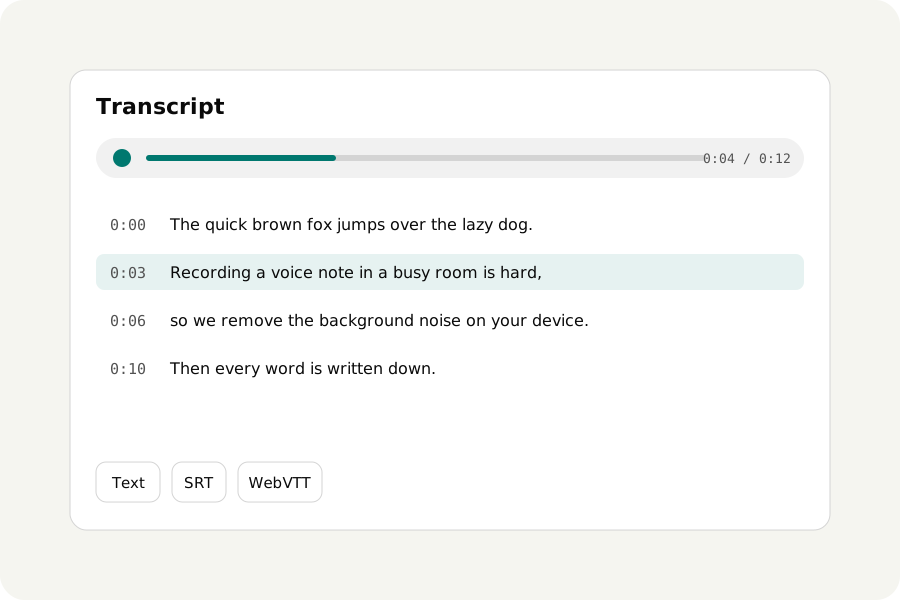
An SRT file is plain text: numbered lines, each with the time it shows and the time it goes. Writing one by hand for a ten-minute video takes hours. Transcribe audio writes it from what is said, timed from each word, in your browser and without uploading the video.
From a file to an SRT in three steps.
Open Transcribe audio and drop the video or the recording. Let it find the language, or choose it, and choose Fast for clear speech or Accurate for accents and noise. The words come in as Whisper hears them.
When it is done, answer What do you need? with Subtitles and press Download: that saves an SRT file, the kind most players, editors and video sites take. WebVTT, the web's own subtitle format, is under More options with every other kind.
How the lines are made.
Each subtitle is made from the words' own times, at most two lines of 42 letters, as Netflix's style guide asks for English, and at most seven seconds on screen, KeepSimp's own choice. Lines are broken where they come out most even, and a subtitle never runs across two phrases or into the next one, so each is read in one look and ends where the speaker paused.
1
00:00:00,480 --> 00:00:03,120
Thanks for joining us today.

2
00:00:03,560 --> 00:00:06,900
Let's start with what changed
since the last release.
Correct it before you save.
Whisper is good and not perfect: names, quiet words and speech over music are where it slips, and on long silence it can write phrases nobody said. Those are underlined with a button to take them out. Press Correct to fix any phrase in place, or use find and replace for a name that is wrong every time. A correction keeps its phrase's times, so the subtitles stay in step.
Read it through with the sound playing; the word being said is lit as it goes.
English subtitles for another language.
Under More options, Translate into English writes what is said in English instead. It is a quick translation, not a careful one, and its lines are timed by the phrase rather than word by word, so check where each one falls.
Long recordings are heard thirty seconds at a time and never held whole, so a full lecture or a feature-length film can be subtitled; the status says how much is heard and about how long is left. Turn on Keep my transcripts on this device to come back to the corrections later. The switch starts off, and only the words are kept, never the sound.
Use it beside the video, or on it.
Most video sites and players take the SRT file as it is, beside the video, so viewers can turn it on or off. To write the subtitles onto the picture for good, for a site or a chat that does not take subtitle files, open the video in Add subtitles to video and choose the SRT. For a reel with captions that light up word by word, the Reel maker makes its own captions with the same Whisper.
Further reading
Topics: srt generator · subtitle generator free · video to srt · audio to srt · make srt file · auto subtitles · webvtt generator · generate subtitles without uploading
A little less theory. A little more doing.
Try it on your own terms, with a free browser tool.
Try the tool