

A whiteboard for maths, with real equations.
A maths whiteboard in your browser: type LaTeX equations, set by MathJax as you type, and draw and write around them. Free, nothing uploaded.
By Suraj KumarUpdated 3 min read
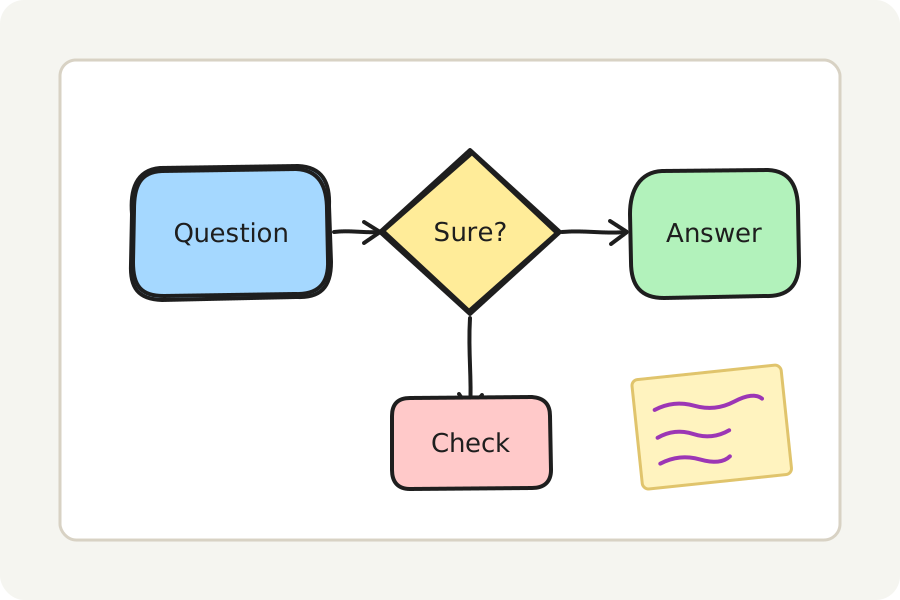
Working through a problem means equations as well as sketches. The maths whiteboard sets equations properly, from LaTeX, beside everything you draw by hand.
Type an equation.
Press Write an equation (or M on the board) and type LaTeX, such as \frac{a}{b} for a fraction or x^2 for a square. MathJax sets it on your device as you type; a mistake is said in words before anything goes on the board. Buttons start a fraction, a root, a sum, an integral, a matrix or a chemical equation.
The equation goes on the board as a picture that keeps its LaTeX: move it, resize it, and double-click it to change it.
Draw round it, and point.
Draw with the pen, add arrows and words, and use the laser pointer (K) to point while you explain. Put each step in a frame and Present shows them one after another.
Save it, share it, present it.
Save the board as a PNG or an SVG to put in a document, or as a PDF to print; a PNG or SVG can carry the board inside it, to open and change again. Put a frame round it and Present shows it full screen. Share as a link carries the board locked in the link itself, after the #, which is never sent to any server; anyone who has the link can open it.
On your device, and nowhere else.
Everything is drawn and saved in your browser: nothing is uploaded and there is no account. Turn on Keep this board on this device to find it again when you come back, or save the board as a .excalidraw file to open again here or in Excalidraw.
Further reading
Topics: math whiteboard · maths whiteboard · latex equations · latex whiteboard · online whiteboard for maths · equation editor · mathjax
A little less theory. A little more doing.
Try it on your own terms, with a free browser tool.
Try the tool