

A mouse that double clicks by itself.
A worn switch sends two clicks for one. Test your mouse in your browser: a press within 30 ms of letting go is counted as a fault, with each gap timed.
By Suraj Kumar3 min read
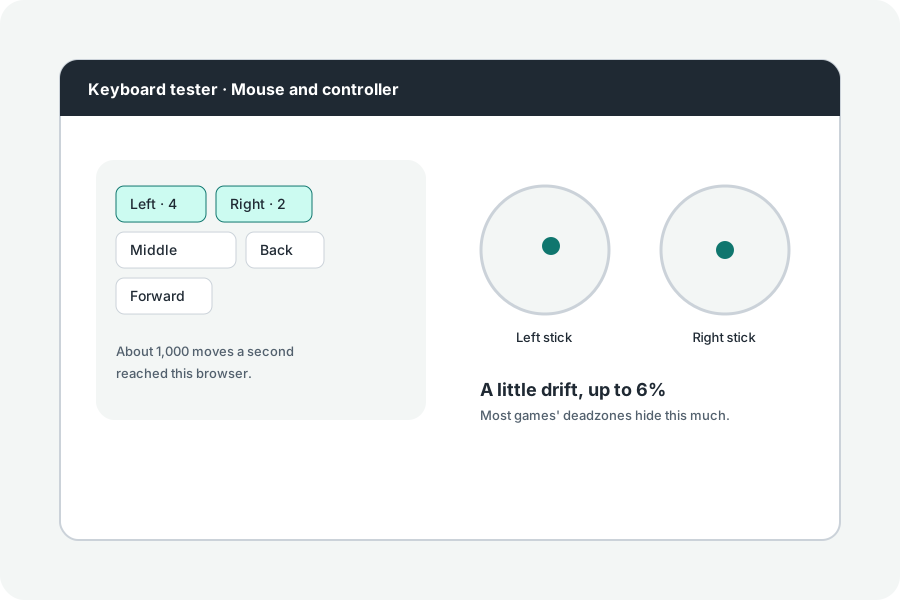
You click once to select, and the file opens. Your mouse sent two clicks. The double click test shows whether, and how often.
Click slowly, once at a time.
Click the left button over the box with one finger, a few times, slowly. A press that comes under 30 ms after letting go, or under 80 ms after the last press, is faster than a finger clicks again; each is counted and listed with its gap.
Why it happens.
The switch under the button has metal contacts that bounce as they meet. When they wear, a bounce lasts long enough to be sent as a second click. It often starts with the left button, which works hardest.
What helps.
Some mice's software can lengthen the wait for bounces. Otherwise the switch, or the mouse, is replaced. A fast double click you meant is never counted: they are about a tenth of a second apart or more.
Further reading
Topics: double click test · mouse double clicking · mouse double clicks by itself · double click fault · mouse switch bounce · click test
A little less theory. A little more doing.
Try it on your own terms, with a free browser tool.
Try the tool