

Opening a ZIP on a phone or a Chromebook.
Open a ZIP in your browser, with nothing uploaded, when an iPhone, Android phone or Chromebook cannot, and see what each does with one by itself.
By Suraj Kumar4 min read
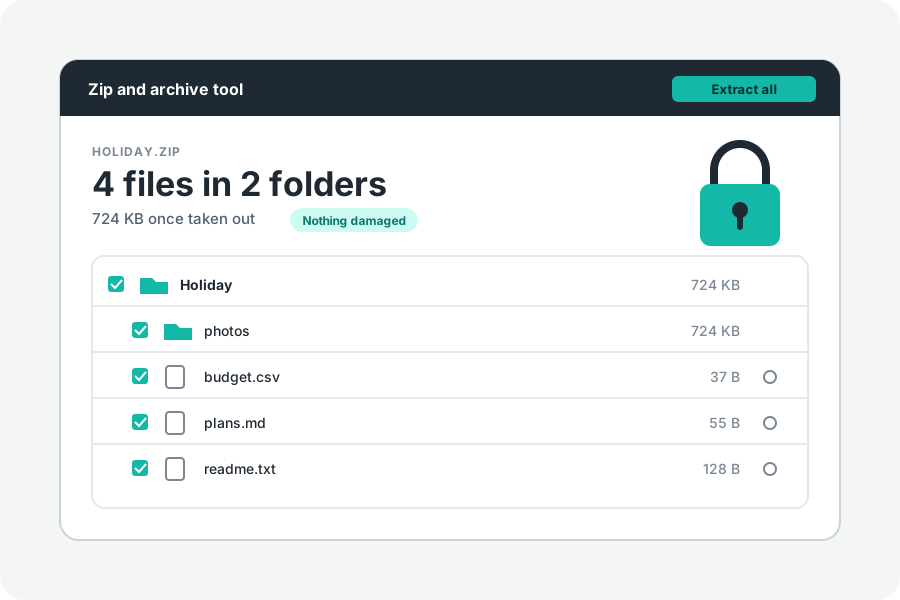
Phones and Chromebooks open ordinary ZIP files by themselves, and for most archives that is all you need. Here is what each one does, from their makers' help pages, and when a browser tool helps instead.
On an iPhone or iPad.
Open the Files app and tap the ZIP. Apple's help says a folder with what it holds is made beside it; touch and hold the folder to rename it. Apple's page is about ZIP files only.
On Android.
In Files by Google, go to the folder with the ZIP and tap it. What it holds is shown; tap Extract, choose whether to delete the ZIP afterwards, and tap Done. The files are saved in the same folder. Google's help says only ZIP files are supported. Other makers' file apps work in their own ways.
On a Chromebook.
In the Files app, double-click the ZIP. It opens on the left like a drive, and you can open any file in it. To unpack it into a folder, right-click and choose Extract all. Google lists ZIP and RAR among the file types a Chromebook opens.
When the browser helps.
Open Unzip online in any browser for what these apps do not mention: TAR, tar.gz and .gz files, ZIPs locked with a password, ZIPs cut into parts, names that come out garbled, and checking an archive for damage. You can also preview a file, or take out only one, without unpacking everything. Nothing is uploaded.
What is different on a phone.
Phone browsers cannot write into a folder. One file is saved as it is. Several come as one ZIP with no password, which Files on an iPhone or Files by Google then opens as above. On a Chromebook, Chrome can write straight into a folder, as it can on any computer.
A phone has less room. Taking out needs space for what comes out, and previews stop at 32 MB a file.
Further reading
- Create or open ZIP files on your iPhone, iPad or Apple Vision Pro, Apple Support (opens in a new tab)
- Unzip your files, Files by Google Help (opens in a new tab)
- Open, save or delete files on your Chromebook, Chromebook Help (opens in a new tab)
- File types and external devices that work on Chromebooks (opens in a new tab)
Topics: open zip on iphone · unzip on android · open zip on chromebook · unzip on ipad · open zip file on phone · files app zip · extract zip on android · open tar.gz on phone
A little less theory. A little more doing.
Try it on your own terms, with a free browser tool.
Try the tool