

When a Mac cannot expand a ZIP.
Open a ZIP your Mac cannot expand in your browser, with nothing uploaded, and find out why Archive Utility gives Error 79 or makes a .cpgz file.
By Suraj Kumar4 min read
You double-click a ZIP and the Mac says it is unable to expand it, with Error 79, “Inappropriate file type or format”. Or it makes a .cpgz file, which turns back into a ZIP when you open it. Here is what is going on and how to get the files out.
What the message means.
Archive Utility, which opens ZIPs on a Mac, could not read the file as an archive it knows. The usual causes are a download that did not finish, a damaged file, an archive packed or locked in a way Archive Utility does not read, and the large ZIPs below.
Apple's help says to make sure there is enough free space for what comes out, and if someone sent you the file, to ask them to zip it again and send it once more.
The .cpgz loop.
When Archive Utility cannot read a ZIP, it may pack it into a .cpgz file instead. Opening that makes a ZIP again, and round it goes. Delete the .cpgz files and go back to the original ZIP.
Large ZIPs a Mac made.
When a Mac compresses something over 4 GB, a file over 4 GB, or more than 65,535 files, it writes the ZIP without the ZIP64 records the format needs for such numbers, so they wrap round. Many programs then cannot read it, and the Mac may not open it again either.
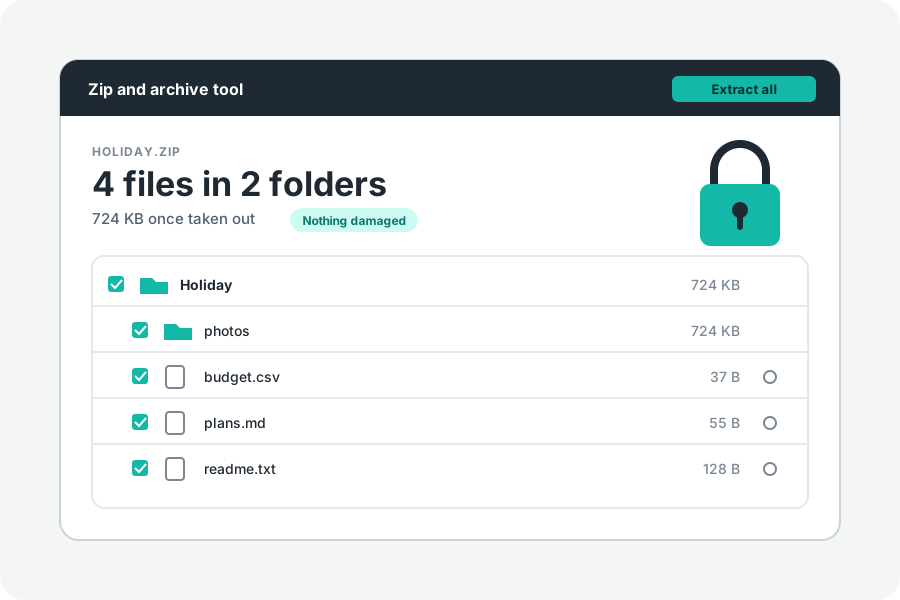
The Zip and archive tool reads such archives. It reads the list of files to its end whatever its count says, finds each file by its name, and checks each one by its CRC-32 as it comes out. Sizes over 4 GB are worked out, and shown as “At least …” until the files are taken out. Locked files in such an archive cannot be opened.
Open it in your browser.
Drop the ZIP on Unzip online. In Chrome or Edge on a Mac, Extract all into a folder writes the files with their folders into one you choose, which is the best way for a large archive. In Safari, download one file as it is, or several as one ZIP.
If it is locked, type the password. In our tests Archive Utility did not open AES-256 files at all.
If it still will not open.
Check it for damage. If the page says it is not a ZIP or its end is missing, or names damaged files, download it again or ask for a fresh copy.
Further reading
- Zip and unzip files and folders on Mac, Apple Support (opens in a new tab)
- Can't open .zip, only starts .cpgz cycle, Apple Community (opens in a new tab)
- yauzl-mac: unzip ZIP files made by macOS Archive Utility (opens in a new tab)
- APPNOTE.TXT: the .ZIP file format specification, PKWARE (opens in a new tab)
Topics: unable to expand zip mac · error 79 mac · inappropriate file type or format · zip turns into cpgz · archive utility cannot open zip · zip over 4gb mac · mac zip more than 65535 files · open large zip on mac
A little less theory. A little more doing.
Try it on your own terms, with a free browser tool.
Try the tool