

Run TypeScript in the browser.
Write TypeScript and see it run as you type, turned into JavaScript on your device line for line. Free, no account, no install.
By Suraj KumarUpdated 3 min read
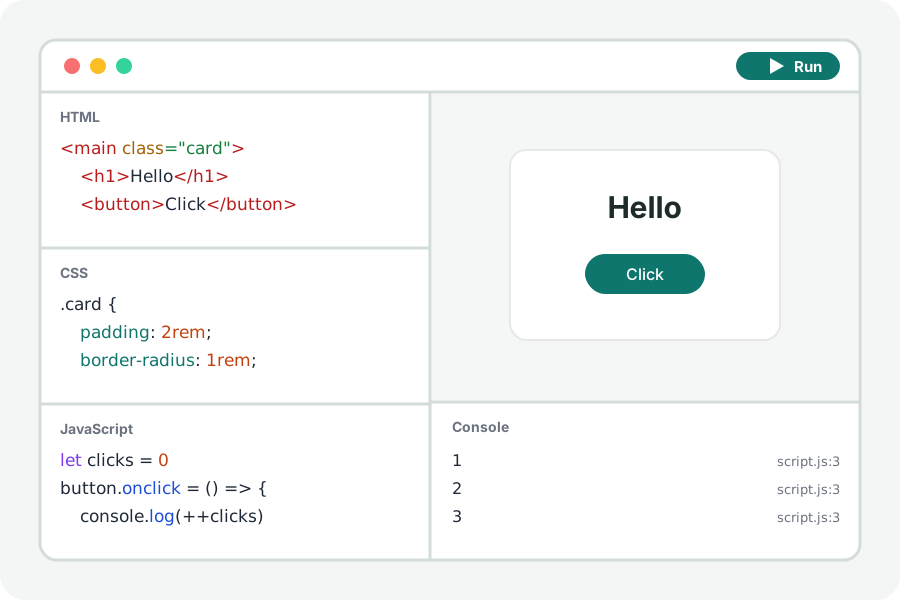
TypeScript is JavaScript with types written in. The TypeScript playground takes the types out on your device and runs what is left in a page, with its console beside it, so you can see your code work.
Write it, run it.
Open the TypeScript playground and press Start with shapes: interfaces and classes that draw a list and a console table. The page runs again as you type.
Types are taken out by Sucrase, which keeps every line where it was, so an error in the console points at the line you wrote. A line that is not valid TypeScript is named and marked in the editor.
What it does not do.
It does not check types: code with a wrong type still runs, as it would after any compiler that only takes types out. Use the TypeScript compiler in your project for that.
Your code stays on your device.
Everything is compiled and run in your browser. Nothing you write is uploaded and there is no account. Files from other sites that your page asks for (a package, a font, a stylesheet) are fetched by the page from those sites, as any page would.
Further reading
Topics: typescript playground · run typescript · typescript online · ts to js · typescript to javascript online · typescript compiler
A little less theory. A little more doing.
Try it on your own terms, with a free browser tool.
Try the tool