

Your phone is the scanner.
Scan documents to one PDF with your phone's camera, in the browser with nothing uploaded: pages found, straightened and cleaned as you take them. No app.
By Suraj KumarUpdated 4 min read
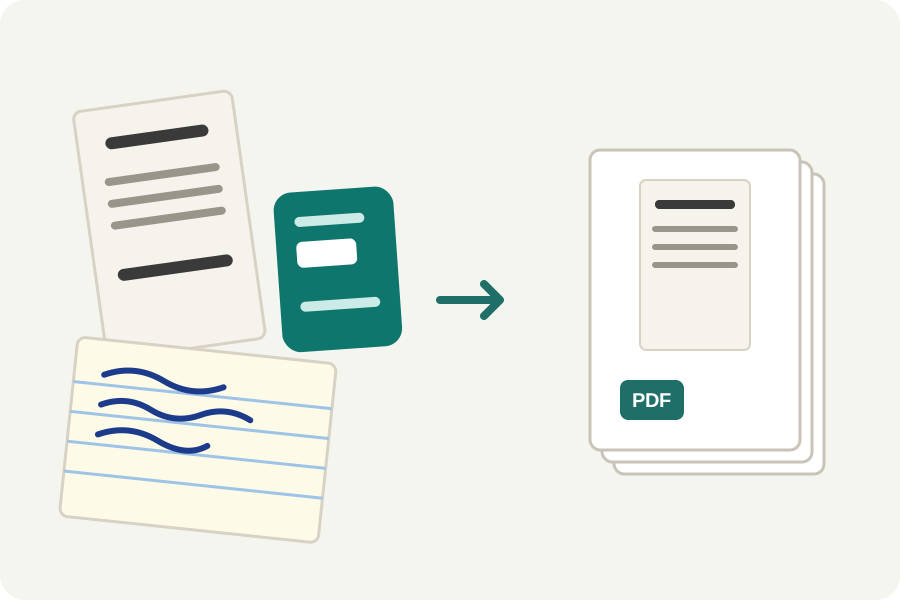
A form to send back, receipts for an expense claim, a signed letter: scanning used to mean a scanner or an app that wants an account and uploads your pages. Scan to PDF uses your phone's camera in the browser, finds and straightens each page as you take it, and makes one PDF on your phone.
Scan in four steps.
Open Scan to PDF in your phone's browser and press Scan with the camera. The browser asks once to use the camera; nothing is installed.
Point the camera at a page. The sheet is outlined as soon as it is seen. Press the shutter, or leave Auto on and hold still for a moment: the photo is taken by itself, and the next one only once you move on to another page.
Each photo becomes a page at once: cut out of the desk, made flat, given its true shape and the Auto look, which makes the paper white and takes shadows out. Choose Black and white for text, for the smallest file.
Press Done, put the pages in order, and make the PDF. It is checked page by page before you download it.
For the best scans.
Lay the page on something darker or plainer than the paper, with the whole sheet in view and some room around it: the edges are what the page is found by. Light from the side or from a window is kinder than the phone's own light, which can shine on glossy paper; where your phone has a light, the camera offers it.
Hold the phone above the page rather than at a steep angle. Straightening takes the slant out, but text far from the camera is smaller in the photo and comes out softer.
Pages that stay on your phone.
The camera's picture is looked at in the browser and photos are kept only in the page while you work; nothing is sent anywhere. Where the browser cannot show the camera, the phone's own camera opens instead, one photo at a time, and each is treated the same way.
Further reading
- Zhang and He: Whiteboard scanning and image enhancement (the page's true shape) (opens in a new tab)
- Sauvola and Pietikäinen: Adaptive document image binarization (opens in a new tab)
- MuPDF: the engine that writes the PDF (opens in a new tab)
- CIPA DC-008: Exif, the data cameras write into photos (opens in a new tab)
- MozJPEG: improved JPEG encoder (opens in a new tab)
Topics: scan to PDF · scan document to PDF on iPhone · scan to PDF Android free · scan documents with phone · document scanner without app · phone scanner · receipt scanner · scan to PDF without uploading
A little less theory. A little more doing.
Try it on your own terms, with a free browser tool.
Try the tool