

JPG photos, kept as they are, in one PDF.
Turn JPG photos into one PDF in your browser, each photo a page: keep every JPEG as it came or make the file small, choose A4 or Letter. Free, with no uploads.
By Suraj KumarUpdated 3 min read
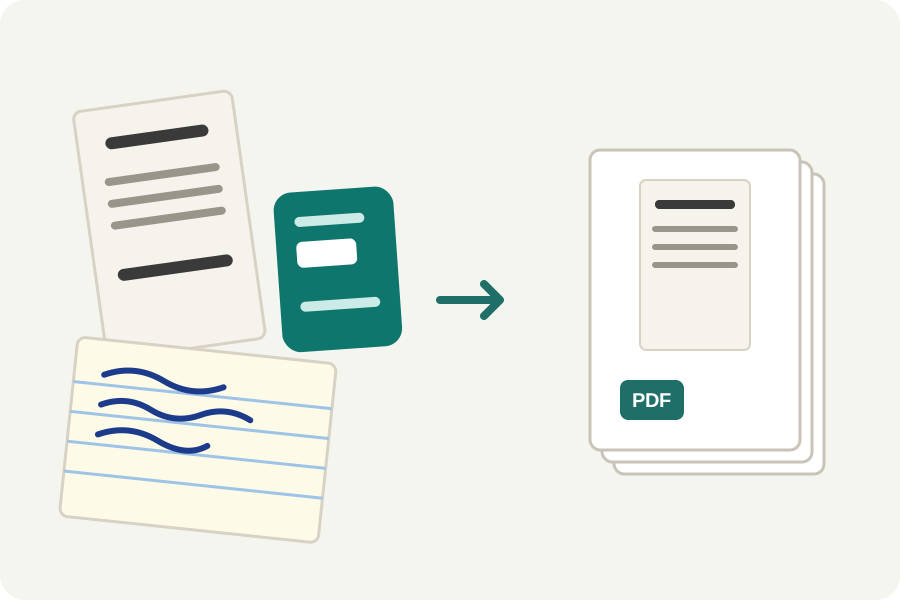
A PDF can hold a JPEG exactly as it is, without decoding it and saving it again. Many converters save it again anyway, which costs a little sharpness each time. The JPG to PDF page of the KeepSimp PDF maker can put each photo in as it came, in your browser.
Convert in three steps.
Open JPG to PDF and drop your photos. Each becomes a page; drag them into the order you want, and turn any that lie on their side.
Choose the paper and a margin. There is no margin unless you add one, and Fit the photo makes each page the shape of its photo. For no change at all to the photos, set Quality to Best.
Press Make PDF, then download it. The PDF is checked page by page before it is offered.
Why a JPEG need not lose anything.
A PDF stores a JPEG's own compressed data and lets the reader decode it, so the same bytes can go in that came out of the camera. At Best quality the maker does exactly that.
Balanced is the default because a 12-megapixel photo has about half as many pixels again as an A4 page needs at print sharpness, so it is made that much smaller and written again; a photo already about the right size goes in as it came, and each page says which. Choose whichever suits the PDF's use.
Your photos stay with you.
Everything happens in your browser. The place, date and camera a JPEG records are taken out before it goes into the PDF, so sending the PDF does not send where you were.
Further reading
- Zhang and He: Whiteboard scanning and image enhancement (the page's true shape) (opens in a new tab)
- Sauvola and Pietikäinen: Adaptive document image binarization (opens in a new tab)
- MuPDF: the engine that writes the PDF (opens in a new tab)
- CIPA DC-008: Exif, the data cameras write into photos (opens in a new tab)
- MozJPEG: improved JPEG encoder (opens in a new tab)
Topics: JPG to PDF · JPG to PDF converter free · multiple JPG to one PDF · JPEG to PDF · convert JPG to PDF · JPG to PDF without losing quality · JPG to PDF without margin · combine JPG into PDF · JPG to PDF without uploading
A little less theory. A little more doing.
Try it on your own terms, with a free browser tool.
Try the tool