

Say it once, with your face.
Record a short video message of your screen with your face in a bubble, then send it as a file by email or chat, in your browser, with nothing uploaded.
By Suraj Kumar3 min read
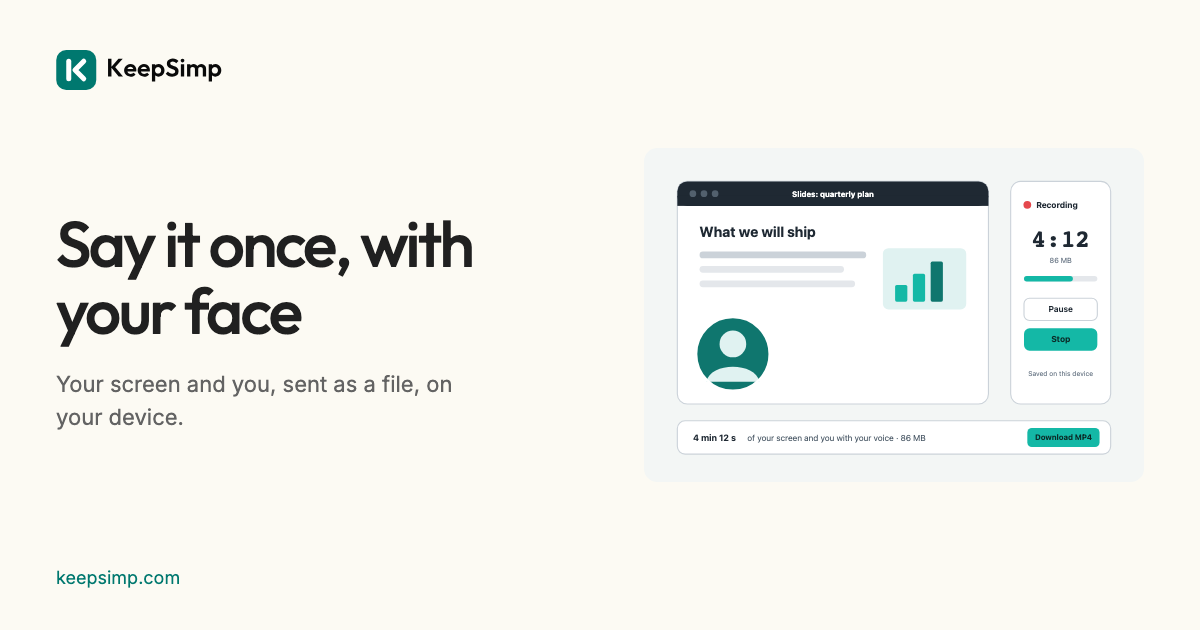
A two-minute video of your screen, with your face and your voice, can replace a long email or a meeting. The Video message recorder makes one in your browser and keeps it on your device, to send as a file.
Record it.
Open the Video message recorder, press See yourself to check how you look, and drag your bubble where it covers nothing. Press Record, choose what to share, and talk it through. You can move or resize yourself while you talk, or press Alt (⌥) and 2 to stand beside the screen.
Send it as a file.
Download saves an MP4 that plays everywhere. Most email services take attachments of about 20 to 25 MB, so Make it smaller fits a longer message to that; a chat app takes more. There is no link to share, because nothing is uploaded: the video goes only where you send it.
A few things that help.
Say who it is for and what you need in the first sentence. Mark a chapter with Alt (⌥) + K at each new point, and the file lists them. Add captions for anyone who watches with the sound off.
Nothing leaves your device.
Your browser records and saves the video on this device. Nothing is sent to KeepSimp or anyone else, and the camera and microphone are asked for only when you press Record. The recording is written to the browser's own storage for this site while it is made, and a draft is kept there only while its switch is on.
Further reading
Topics: record video message · send a video message · screen and face video message · async video message free · video message without upload
A little less theory. A little more doing.
Try it on your own terms, with a free browser tool.
Try the tool