

Record for as long as you need.
Record your screen in your browser with no watermark, no time limit and no sign-up. Nothing is uploaded: the video is saved on your device as MP4 or WebM.
By Suraj Kumar4 min read
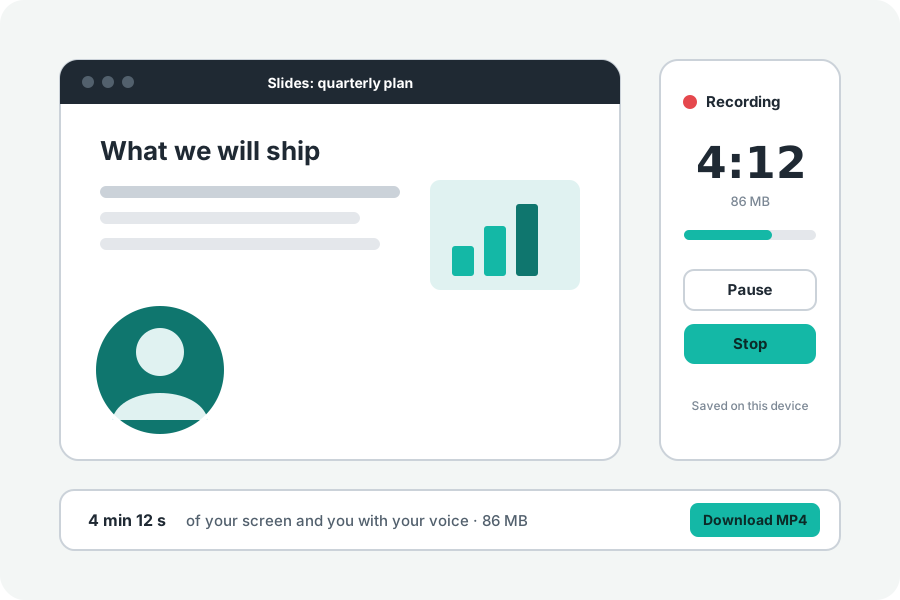
Free screen recorders often stop after a few minutes, stamp a logo on the picture, or ask for an account before you can download. KeepSimp's Screen recorder runs in your browser and does none of that. What limits a recording is the room on your own device, and the page tells you how much that is before you start.
No watermark, no clock, no account.
Nothing is drawn on your recording but what you chose to record: the screen, the screen with your camera in a bubble, or the camera alone. There is no time limit and nothing to install or sign up for. The video is made by your browser and saved on your device; it is never sent to KeepSimp.
Open the Screen recorder, answer What do you want to record?, choose whether your microphone and the tab's or computer's sound go in, and press Record. The browser asks what to share, a three-second countdown runs, and the time and size so far are shown while it records.
What does limit it: room on your device.
A recording is written to your browser's storage as it is made, never held whole in memory, and needs about twice its size until it is finished. At the usual quality, 1080p at 30 frames a second, an hour comes to about 2.8 GB; the page lists the size an hour of each quality under More options.
Before you start, the page looks at the room the browser has. With under 30 minutes of room it says how long fits; with under a minute it does not start and says how to make room. If space runs out while recording, it stops cleanly, keeps everything recorded so far and says why.
Long recordings, kept safe.
Pause and Go on leave no gap in the file. The screen is kept awake while you record. Turn on Keep a draft while recording and the recording is written into a folder of its own as it comes, so a closed tab or a crash does not lose it: the next time the page opens, it offers to finish it. The switch starts off each time.
At Stop, the file is finished without being encoded again and opened again to check its picture, its sound and its length before it is offered.
MP4 or WebM, then edit it.
Recordings are MP4 with H.264 and AAC by default, which plays everywhere, or WebM if you choose it under More options. Edit it hands the recording to the Video editor to trim the start and end, compress it for email or a chat, or add music.
A recording has no sound from the screen? Which sound comes with a screen depends on the browser and on what you share; the guide below has the table.
Just your camera, or a phone.
Phone and tablet browsers cannot record the screen at all. On them the page records the camera and points you to the phone's own screen recording. To record only yourself on a computer, the Webcam recorder opens straight on the camera.
Further reading
Topics: screen recorder no watermark · screen recorder no time limit · free screen recorder online · screen recorder no download · screen recorder no sign up · loom alternative free · record screen online free
A little less theory. A little more doing.
Try it on your own terms, with a free browser tool.
Try the tool