

The rate your browser draws at.
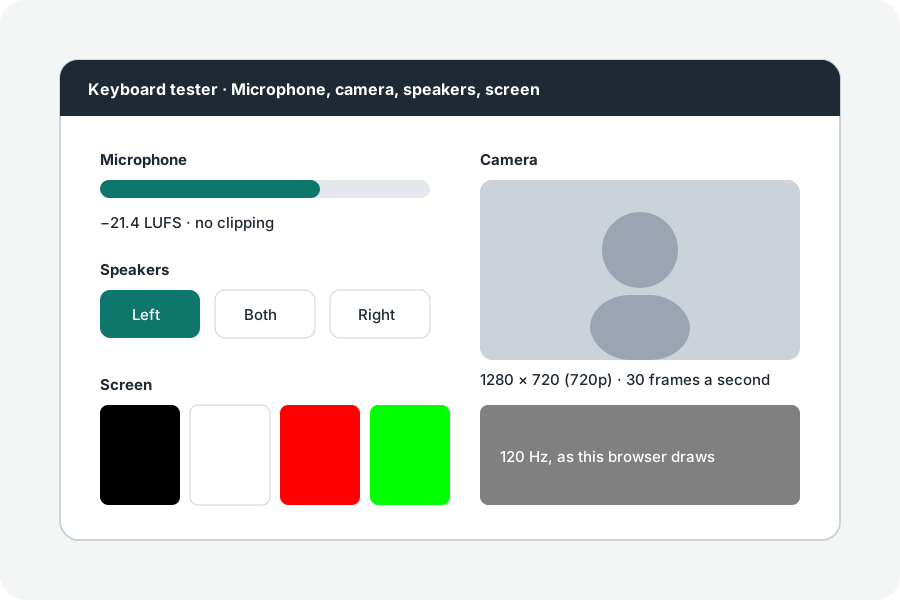
See how many times a second your browser draws the screen, measured from its frames: 60, 120, 144 Hz or more. Nothing is sent.
By Suraj Kumar2 min read
A 144 Hz screen is often left at 60.
How it is measured.
The page notes the time of each animation frame for two seconds and takes one over the middle gap, so a late frame does not move it, rounded to a usual rate when within 3%.
When it reads lower.
This is how often the browser draws; power saving, battery, low-power mode, a second screen, or a display setting below the screen's best can keep it at 60. Check the setting in your system's display settings.
Variable rates.
ProMotion, FreeSync and G-Sync screens may slow down while nothing moves, so keep the page in front while it measures.
Further reading
Topics: refresh rate test · hz test · monitor refresh rate · 144hz test · 120hz test
A little less theory. A little more doing.
Try it on your own terms, with a free browser tool.
Try the tool