

Test your webcam: what it sends, and how fast.
Check your webcam in your browser: what it sees, the size it delivers and its frames a second, measured as frames arrive. Nothing is recorded.
By Suraj Kumar2 min read
A camera can work and still send a small, slow picture.
The size it sends.
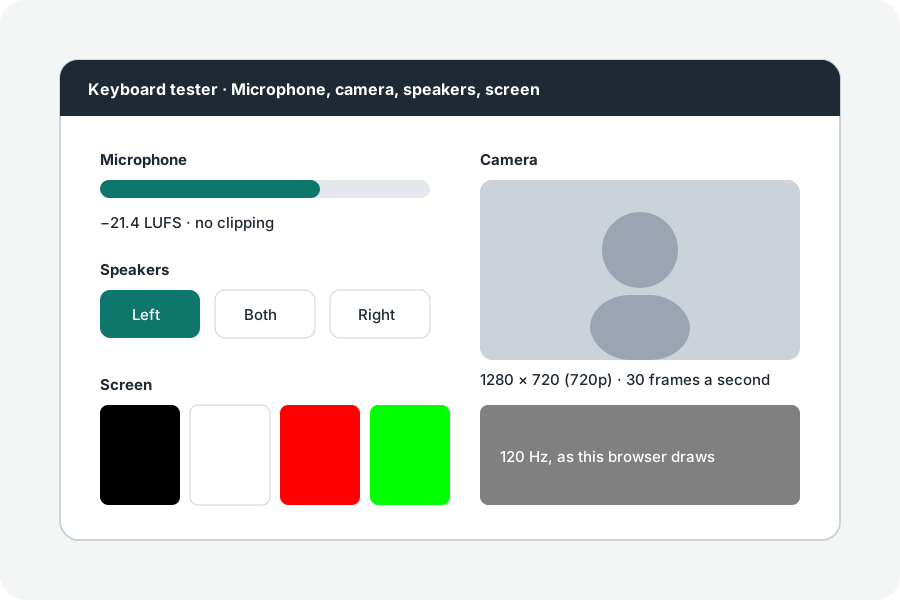
The test asks for up to 1920 × 1080 and shows the size the camera hands the browser, named as 720p or 1080p where it is one of those. A camera's sensor can be larger than the video it sends.
Frames a second.
The rate is measured from the time of each frame as it arrives, by requestVideoFrameCallback, over the last ninety frames: one over the middle gap. In dim light many webcams slow down to let in more light.
A still.
Save a still writes the frame on the screen as a PNG on your device. Nothing else is kept or sent.
Further reading
Topics: webcam test · camera test · test my webcam · webcam resolution test · webcam fps test
A little less theory. A little more doing.
Try it on your own terms, with a free browser tool.
Try the tool