

Turn a 7z into a ZIP for people without 7-Zip.
Convert a 7z file to a ZIP in your browser, with nothing uploaded: each file is taken out, checked and packed again, and the ZIP is read back first.
By Suraj Kumar3 min read
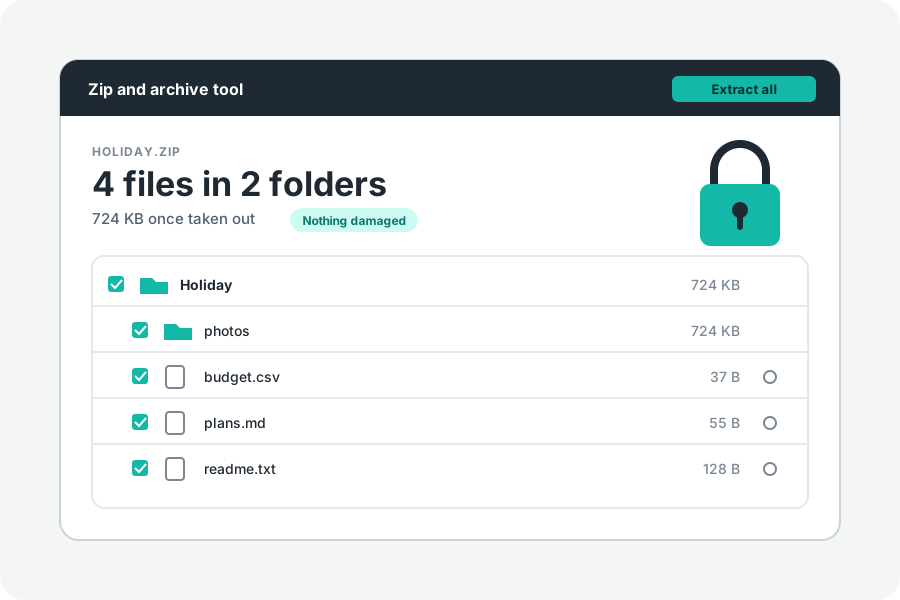
A 7z is small, but the person you send it to may not have 7-Zip. A ZIP opens by itself on Windows, on a Mac and on phones. KeepSimp turns one into the other in your browser, and nothing is sent anywhere.
Two steps.
Open Convert 7z to ZIP and drop the 7z on it. Its files are listed. Press Save as a ZIP.
Each file is taken out on your device, packed again into a new ZIP with its folders, and the ZIP is read back before it is offered.
Why the ZIP is larger.
7z packs with LZMA, usually all its files together. A ZIP packs each file on its own with Deflate, which every computer can unpack. So the same files often take more room as a ZIP, most of all when there are many small, similar ones.
If size matters more than who can open it, keep the 7z. If the files are mostly photos or videos, the two come out about the same.
A locked 7z.
A 7z locked with a password cannot be opened yet, so it cannot be turned into a ZIP either. The page names it as locked.
Room on your device.
The files are taken out into the browser's private storage for this site, then packed into the ZIP, so you need room for the files and the ZIP together for a moment. That storage is emptied when you leave the page. Stop ends the job at once.
Further reading
Topics: 7z to zip · convert 7z to zip · 7z to zip online · change 7z to zip · 7z converter · 7zip to zip
A little less theory. A little more doing.
Try it on your own terms, with a free browser tool.
Try the tool