

Open a 7z file without installing 7-Zip.
Open a 7z file in your browser with nothing uploaded: see the list, preview files and take out all, some or one, without installing 7-Zip.
By Suraj Kumar4 min read
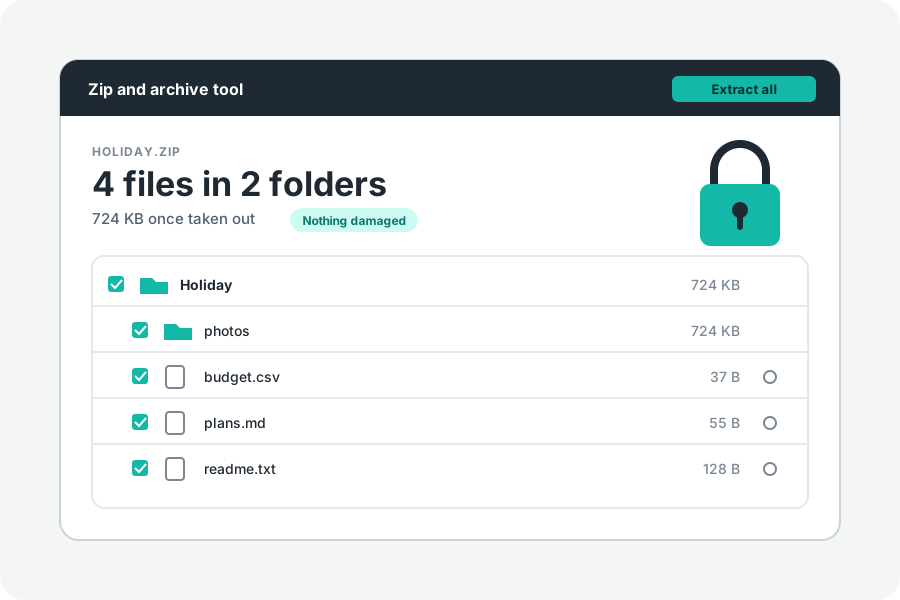
A 7z is the archive 7-Zip makes. It is often smaller than a ZIP, but many computers and phones need a program to open it. KeepSimp opens it in your browser, with nothing uploaded.
Open it and take out what you need.
Open Open a 7z file and drop the 7z on the page. Its list of files is shown first. Pictures, text, sound and video can be previewed without taking anything out.
Then take out everything, a folder, or the files you tick. Several files come as one ZIP, or, in Chrome and Edge on a computer, go straight into a folder you choose.
Why one file can take a while.
7-Zip packs many files together as one solid block by default, with LZMA or LZMA2. That is why a 7z is small, and also why reaching one file means unpacking the files before it in its block.
A 7z keeps a checksum for each file and for its own lists, and each file is checked against its checksum as it comes out; one that does not match is named.
A 7z in parts.
7-Zip can cut an archive into parts named name.7z.001, name.7z.002 and so on. Choose every part at once; one part alone cannot be read whole.
A 7z with a password.
A 7z locked with a password cannot be opened here yet, and neither can one whose names are hidden. The page names it as locked and says so.
Opened, never made.
This tool does not make 7z files. To send files, it makes a ZIP, which opens everywhere, or a tar.gz. To pass a 7z on to someone without 7-Zip, turn it into a ZIP.
Files taken out get today's date and no permissions, and links inside are listed and never made.
Further reading
Topics: open 7z file · 7z extractor · extract 7z online · 7z file opener · open 7z on mac · open 7z without 7-zip
A little less theory. A little more doing.
Try it on your own terms, with a free browser tool.
Try the tool