

Does your scroll wheel skip?
Scroll your mouse wheel over the test in your browser: steps up and down are counted, with whether it reports lines or pixels, so skips and jumps show.
By Suraj Kumar2 min read
A wheel that scrolls the wrong way now and then is a common fault. Count its steps to find out.
Scroll one way, slowly.
Scroll down over the box, slowly. Only the down count should rise. If the up count rises too, the wheel's sensor is sending steps the wrong way.
Lines or pixels.
Notched wheels usually report lines; smooth and free-spinning wheels and touchpads report pixels. Both are normal; the test says which yours sends.
The rest of the mouse.
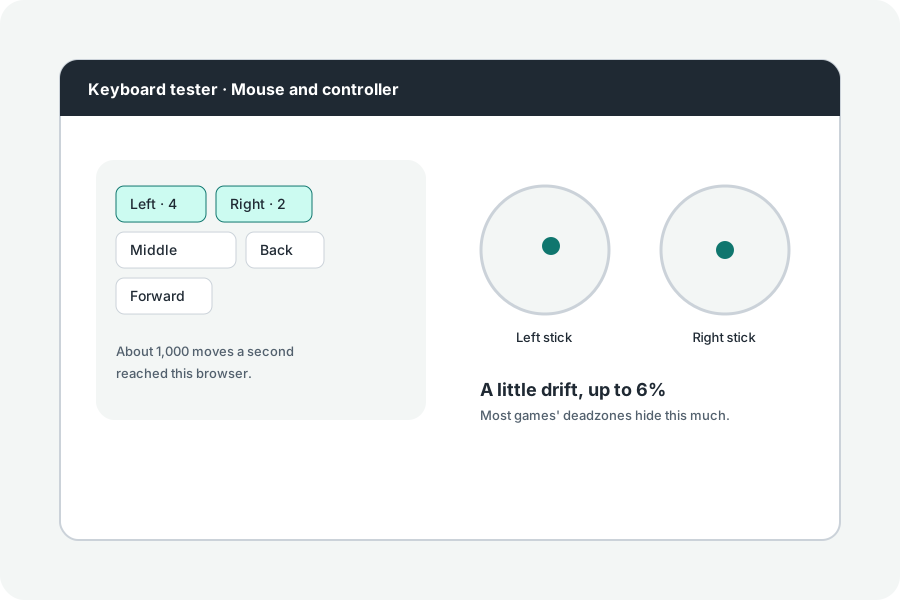
Test every button, the side ones too, and whether a click comes twice.
Further reading
Topics: mouse scroll test · scroll wheel test · mouse wheel skipping · scroll wheel jumping · wheel test · scroll test
A little less theory. A little more doing.
Try it on your own terms, with a free browser tool.
Try the tool