

A PDF as Markdown, tables and links kept.
Convert a PDF to Markdown in your browser, nothing uploaded: headings, lists, GitHub tables, links, bold and italic, and pictures in a folder beside it.
By Suraj Kumar4 min read
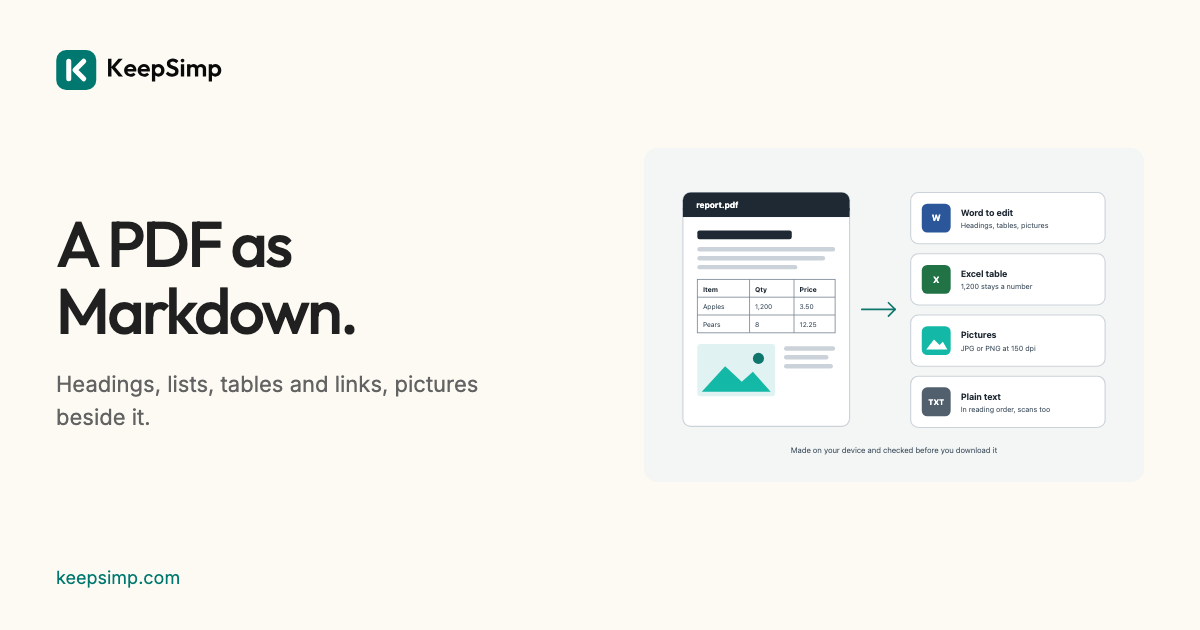
Markdown is plain text with a few marks for headings, lists, tables and links, which notes apps, wikis, GitHub and AI tools all read. PDF to Markdown reads a PDF's pages in your browser and writes them as Markdown, with its pictures in a folder beside it.
Add the PDF, press Make the Markdown.
Open PDF to Markdown, add a PDF and press Make the Markdown. A PDF with no pictures becomes one .md file; with pictures, a ZIP holds the .md file and a folder called pictures, and the text shows each picture where it stood. Choose Pages under the question to convert only some.
The result says what it found in words first: how many headings, lists, tables, links and pictures. Open the .md file in the Markdown editor to read it as it will look, change it, or turn it into a Word file or a PDF again.
What Markdown keeps, and what it has no place for.
The page is read the same way as for PDF to Word: in the order it is read, paragraphs joined across line ends with a word broken by a hyphen joined again, headings from a tagged file's own levels or from letters clearly larger than the body's, and tables found by their ruling lines or by how their words line up. Lines that start with a bullet or a number become lists, and links out of the file become Markdown links.
Markdown has no place for fonts, sizes or colours, so they are not written; bold and italic are. A table is written in GitHub's way, its first row the header. Everything Markdown would take as a mark, such as an asterisk or a dollar sign, is written with a backslash before it, so the words read as they did in the PDF.
Read back before it is offered.
Before the file is offered, the Markdown is read back by the Markdown editor's own renderer: every letter and digit of the PDF's words must be there in order, and every picture must be shown from its file. The ZIP is opened again and every picture decoded at its size. When something does not hold, nothing is offered and the page says why.
Headers, footers and page numbers that repeat are left out unless you keep them under More options. There you can also mark where each page ended with a rule (---), leave the pictures out, or read scanned pages with OCR on your device; OCR can misread, and the result says how sure it was.
Your PDF never leaves your device.
The PDF is read and the Markdown written in your browser by the same engine every PDF tool here uses. Nothing is uploaded, there is no account, and nothing is kept when you leave.
That matters for the documents people most often turn into Markdown: contracts, notes and reports to keep in a wiki or hand to an AI tool. You choose what goes where; KeepSimp never sees it.
Further reading
Topics: PDF to Markdown · convert PDF to Markdown · PDF to MD · PDF to Markdown converter · PDF tables to Markdown · PDF to Markdown free · PDF to Markdown for notes
A little less theory. A little more doing.
Try it on your own terms, with a free browser tool.
Try the tool