

A comic as a PDF, every page its own size.
Convert a CBZ comic to PDF in your browser, nothing uploaded: each picture becomes a page of its own size, in order, and every picture is checked in the PDF.
By Suraj Kumar3 min read
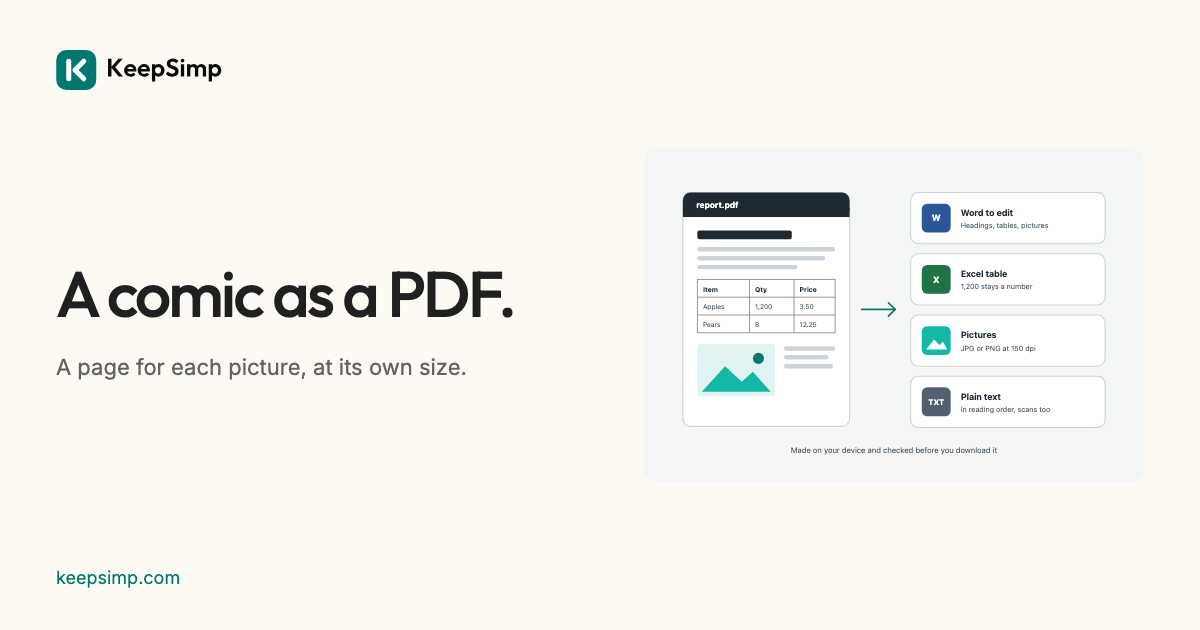
A CBZ comic is a ZIP of pictures, one for each page, named in the order they are read. A PDF of it opens in every reader and on every device. CBZ to PDF makes one in your browser, a page for each picture.
Add the comic, press Make the PDF.
Open CBZ to PDF, add a .cbz file and press Make the PDF. Its pictures are put in the order of their names, with numbers counted as numbers, so page-2 comes before page-10. Files that are not pictures, such as ComicInfo.xml, are passed over.
Each page of the PDF is the size of its picture, so a double-page spread stays wide; the paper setting does not change a comic. The pictures are kept as they are, not made smaller.
Every picture checked.
Before the PDF is offered, it is opened again and held to the comic page by page: as many pages, and on each the one picture of that page at the same size in pixels. When anything is missing, no PDF is offered and the page says why.
A comic of many large pictures makes a large PDF. To make it smaller for sending, run it through the PDF compressor, which changes pictures only after checking them.
CBR comics, and pictures of your own.
A CBR comic is a RAR archive and cannot be opened by this page. Open it with the Zip and archive tool, which reads RAR in your browser, then pack its pictures into a ZIP named .cbz, or add them straight to the PDF maker.
The PDF maker also makes a PDF from photos or scans of your own, with each page turned, cropped or straightened as you choose.
Your comic never leaves your device.
The comic is read and the PDF written in your browser. Nothing is uploaded, there is no account, and nothing is kept when you leave.
The CBZ itself is not changed, so you still have it for your comic reader.
Further reading
Topics: CBZ to PDF · convert CBZ to PDF · comic book to PDF · CBZ to PDF converter · CBZ to PDF free · open a CBZ file · manga to PDF
A little less theory. A little more doing.
Try it on your own terms, with a free browser tool.
Try the tool