

Your slides, and you beside them.
Record your slides with your camera beside them and your voice, mark a chapter for each part, then trim it, in your browser, with nothing uploaded.
By Suraj Kumar3 min read
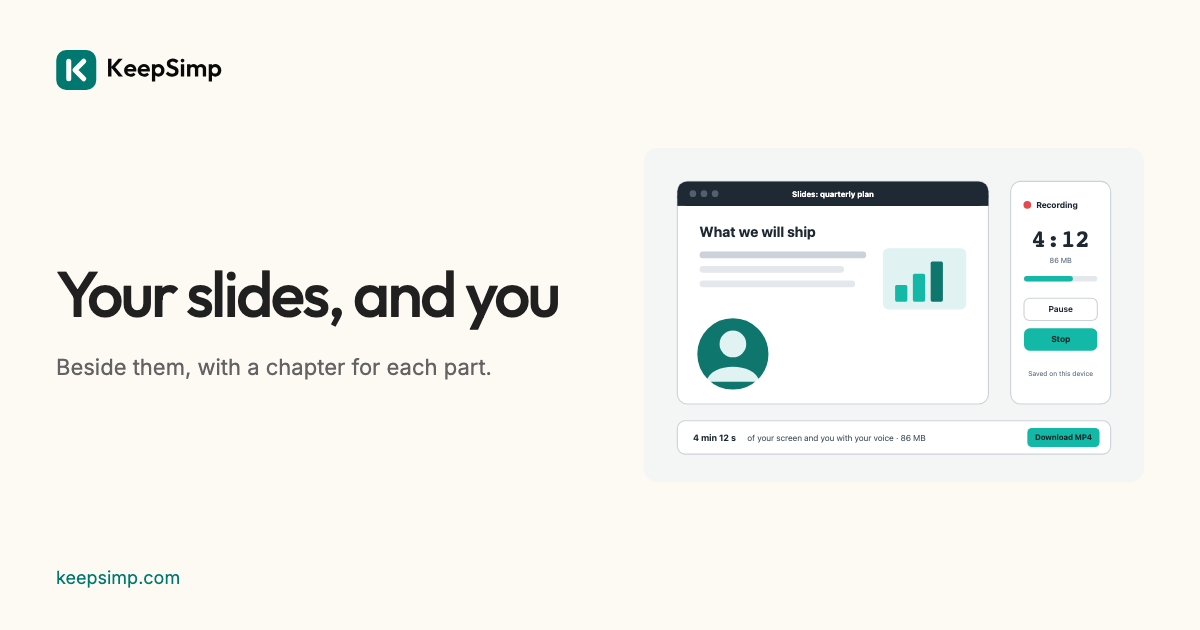
A recorded talk keeps the speaker in it: your face is half of what people listen to. The Presentation recorder records your slides with you beside them, never over them, with a chapter for each part.
A chapter for each part.
Press Alt (⌥ on a Mac) and K as you start each new part. The MP4 holds the chapters, which VLC shows, and the result lists them with their times, to paste under a video where YouTube makes them its chapters.
Alt with 1 to 5 changes the layout while you talk: Camera big for a story, Bubble for a busy slide, Side by side again for the rest.
Trim it and send it.
Trim it cuts a stumbled start, Make it smaller fits it to an email, and Add captions writes what you said onto the slides' video. The recording never leaves your device.
Nothing leaves your device.
Your browser records and saves the video on this device. Nothing is sent to KeepSimp or anyone else, and the camera and microphone are asked for only when you press Record. The recording is written to the browser's own storage for this site while it is made, and a draft is kept there only while its switch is on.
Further reading
Topics: record presentation with webcam · record powerpoint presentation with video · record google slides presentation · record slides and face · presentation recorder
A little less theory. A little more doing.
Try it on your own terms, with a free browser tool.
Try the tool