

Read it, and look like you are not.
Paste your script, set its speed, and read it as it scrolls while your camera records you, in your browser, with nothing uploaded and nothing kept.
By Suraj Kumar3 min read
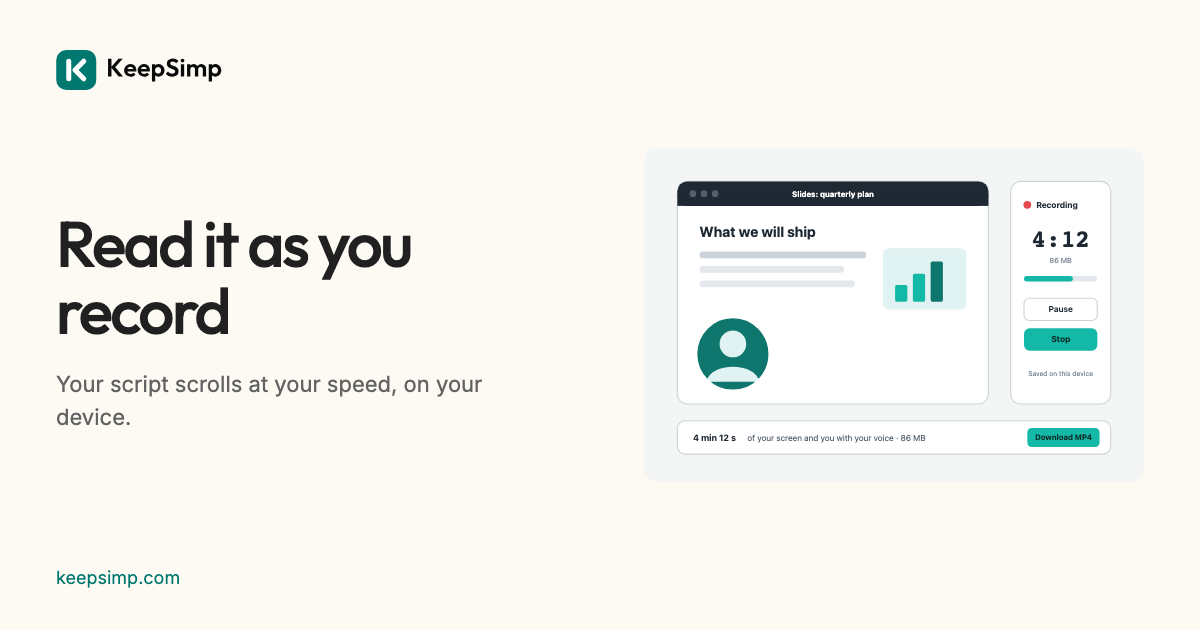
Talking to a camera is easier with the words in front of you. The Teleprompter recorder scrolls your script at a reading speed you choose while your camera records you, on your device.
Paste your script, then set its speed.
Open the Teleprompter recorder and paste what you want to say. Reading speed is in words a minute and is worked out from your script, so a larger text does not read faster; about 140 is an unhurried talk. Text size makes it easy to read from where you sit.
Keep your eyes near the camera.
Press Record me. The script scrolls under the picture of you; press Scroll the script when you are ready, and Hold it to stop. In Chrome, Edge and Firefox, Small window puts the script in a window that stays in front: drag it up under your camera and your eyes stay near the lens.
Nothing of the script is kept.
The script stays on the page while it is open and goes when you close it; it is never in the video. Trim it cuts the start and end, and Add captions writes what you said onto the video.
Nothing leaves your device.
Your browser records and saves the video on this device. Nothing is sent to KeepSimp or anyone else, and the camera and microphone are asked for only when you press Record. The recording is written to the browser's own storage for this site while it is made, and a draft is kept there only while its switch is on.
Further reading
Topics: online teleprompter · teleprompter with camera · record video with teleprompter · free teleprompter app · read script while recording
A little less theory. A little more doing.
Try it on your own terms, with a free browser tool.
Try the tool