

Your screen, with its sound.
Which sound a browser can record with the screen: a tab's, the whole computer's, or none, and the box to tick in Chrome and Edge so it is not left out.
By Suraj Kumar3 min read
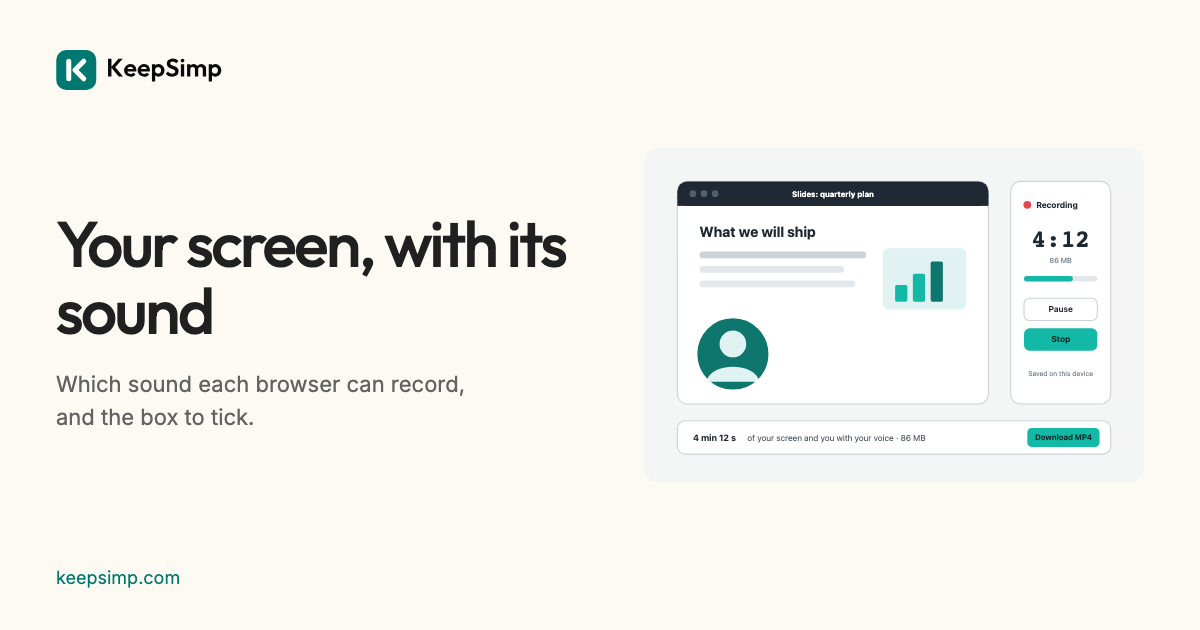
The most common surprise with a screen recording is that the video has no sound. A browser hands a page the sound of what is shared only for some kinds of sharing, and only when a box is ticked in its own window. Here is what each one gives.
Tick Share audio.
When you press Record with Sound from the tab or computer on, the browser opens its own window to choose what to share. In Chrome and Edge, a tab comes with a Share tab audio switch, and the entire screen with Share system audio on the computers that offer it. Leave it on, or the recording has only your microphone. When no sound came, the recorder says so straight away.
Which sound, where.
A tab's sound: Chrome and Edge, on every computer. The whole computer's sound: Chrome and Edge on Windows and ChromeOS when you share the entire screen, and on a Mac from Chrome 141 on macOS 14.2. A single window: no sound in any browser, so share the tab or the screen instead. Firefox and Safari: no sound with the screen at all; your microphone is still recorded.
The recorder mixes your microphone and the shared sound into one track. Your speakers can carry the computer's sound back into the microphone, so echo cancelling is turned on whenever both are recorded; it can be set by hand under More options.
Only your voice?
To record sound alone, without the screen, the Audio recorder records your microphone into a file you can edit and save as MP3.
Nothing leaves your device.
Your browser records and saves the video on this device. Nothing is sent to KeepSimp or anyone else, and the camera and microphone are asked for only when you press Record. The recording is written to the browser's own storage for this site while it is made, and a draft is kept there only while its switch is on.
Further reading
Topics: record screen with sound · record tab audio · record system audio · screen recording no sound · share tab audio chrome · record computer sound · record screen with audio chrome
A little less theory. A little more doing.
Try it on your own terms, with a free browser tool.
Try the tool