

Record yourself, and nothing else.
Record a video of yourself with your camera and microphone in your browser, then trim it or save it as MP4. No sign-up, no time limit, no watermark, no upload.
By Suraj Kumar3 min read
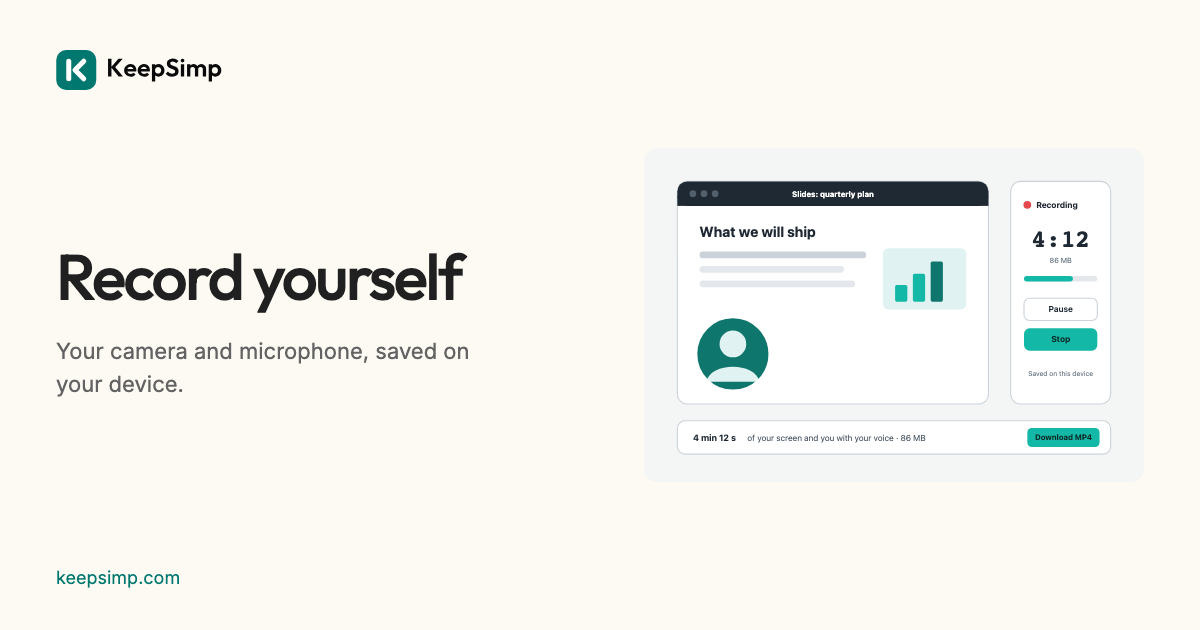
A video of yourself, for an application, a message or a class, should not need an app or an account. The Webcam recorder records your camera and microphone in your browser and saves the video on your device.
Press Record me.
Open the Webcam recorder and press Record me. The browser asks whether the site may use the camera and the microphone; a 3, 2, 1 countdown follows, which is not recorded. Pause leaves no gap, and Stop finishes the video, which is opened again and checked before it is offered.
Trim it, then send it.
Download saves an MP4 that plays everywhere. Edit it opens it in the Video editor, where you can cut the start and end, crop it to a square for a profile, or make it smaller to send.
On a phone.
The recorder works on a phone too, with its front camera. Browsers on phones cannot record the screen, so for that use the phone's own screen recording: Control Centre on an iPhone or iPad, Quick Settings on Android.
Nothing leaves your device.
Your browser records and saves the video on this device. Nothing is sent to KeepSimp or anyone else, and the camera and microphone are asked for only when you press Record. The recording is written to the browser's own storage for this site while it is made, and a draft is kept there only while its switch is on.
Further reading
Topics: webcam recorder · record webcam online · record video of yourself · camera recorder · video message · record webcam mp4 · webcam recorder no watermark
A little less theory. A little more doing.
Try it on your own terms, with a free browser tool.
Try the tool