

The extra files a Mac puts in a ZIP, and how to leave them out.
Save a copy of a ZIP without __MACOSX, ._ files, .DS_Store, Thumbs.db or desktop.ini in your browser, with nothing uploaded, and see what they are.
By Suraj Kumar4 min read
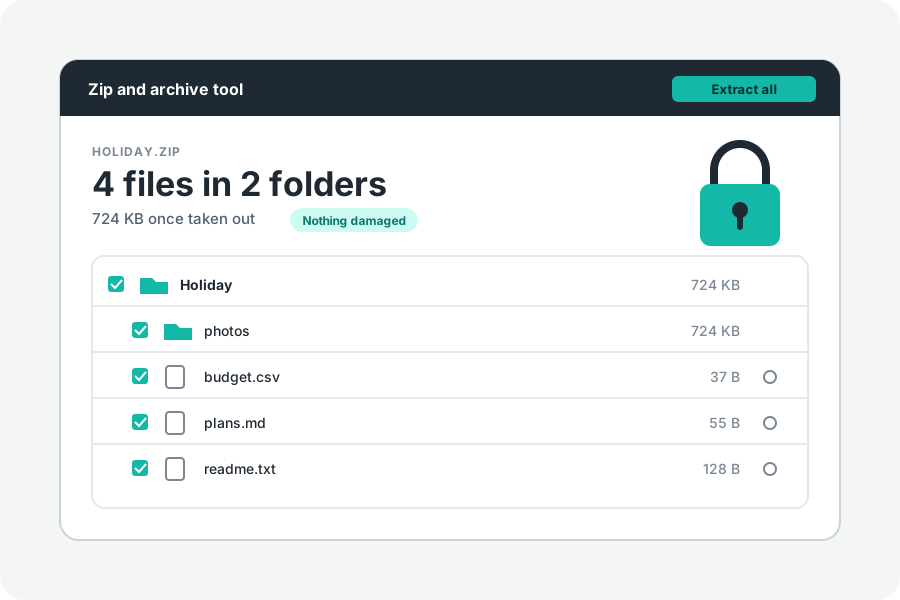
Someone on a Mac sends a ZIP, and on Windows or Linux it opens with a folder called __MACOSX, files whose names start with ._ and a .DS_Store in every folder. They are harmless and they are clutter. Here is what they are and how to get a copy without them.
What these files are.
__MACOSX: when a Mac compresses a folder, Finder keeps each file's Mac details, such as its resource fork and other information the Mac file system holds, in a folder of that name. The macOS manual page for ditto describes it. A Mac that opens the ZIP puts the details back and never shows the folder; other computers show it as it is.
._ files hold the same details on disks that cannot keep them otherwise (AppleDouble files). The Mac writes them beside a file on such disks, and tar on a Mac adds them to its archives.
.DS_Store is the Finder's own file in a folder, where it keeps how the folder is shown. Apple's help on network shares names it.
Windows has its own.
Thumbs.db is a hidden file in which File Explorer keeps small pictures of the files in a folder on a network, Microsoft's documentation says. desktop.ini is a hidden system file that sets a folder's icon, name or tip. Both end up in ZIPs made from those folders.
Save a clean copy.
When a ZIP holds such files, press Save a copy without Mac and Windows files. Every other file is taken out on your device and packed again into a new ZIP with its folders and dates, named after the original with (clean) at the end. Nothing is uploaded, and the original is left as it was.
A locked ZIP needs its password first. The copy is locked again with the same password and the same kind of lock. The copy is for ZIP files only.
Is anything lost?
For documents, pictures, music and videos, no: the files are whole without these extras. What goes is Mac information kept beside them, such as Finder tags, and how a folder was shown. Some old Mac files keep their content in a resource fork, such as old fonts; keep the original ZIP for those.
When you make a ZIP here, the files Macs and Windows add are left out from the start.
Further reading
- ditto: the macOS manual page (copy at SS64) (opens in a new tab)
- Adjust SMB browsing behavior in macOS, Apple Support (opens in a new tab)
- ADMX_Thumbnails Policy CSP: caching thumbnails in hidden thumbs.db files, Microsoft Learn (opens in a new tab)
- How to customize folders with Desktop.ini, Microsoft Learn (opens in a new tab)
Topics: remove __macosx from zip · __macosx folder · ds_store in zip · what is __macosx · zip without ds_store · appledouble files · thumbs.db in zip · clean zip mac
A little less theory. A little more doing.
Try it on your own terms, with a free browser tool.
Try the tool