

Test a game controller, button by button.
Test an Xbox, PlayStation or other controller in your browser: every button, the triggers and both sticks, with drift read and rumble where offered.
By Suraj Kumar3 min read
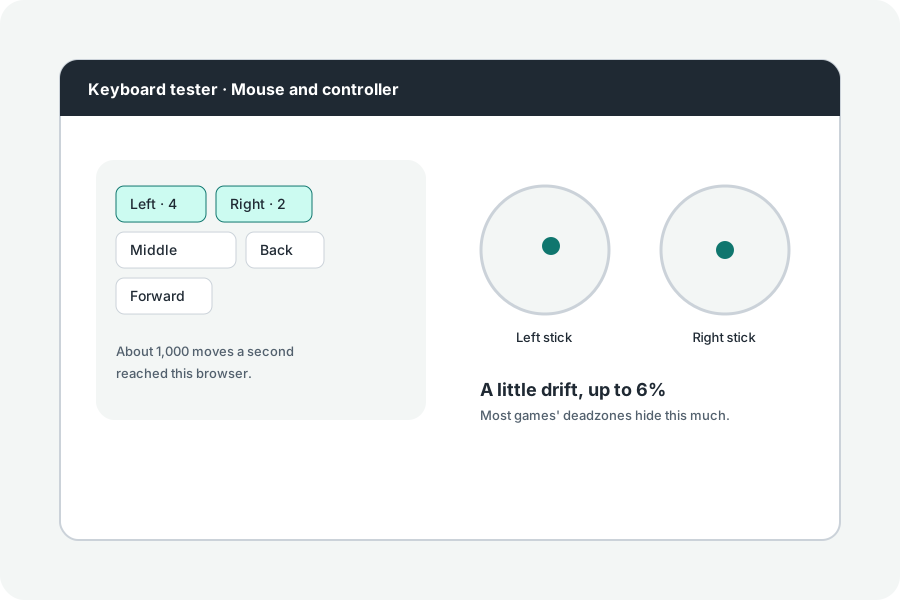
Before a game blames you, check the controller. The gamepad tester shows every button, trigger and stick as the browser reads it.
Connect, then press a button.
Plug in the controller or pair it, then press any button: browsers show a controller to a page only after that, so a page cannot learn what is connected.
What it shows.
Each button lights while pressed and keeps a tick once it has worked; triggers show how far they are pressed. Both sticks are drawn with their positions from -1 to 1. Controllers in the standard order have their buttons named; others are numbered.
A page reads a controller as often as the screen draws, so a very short press can be missed.
Rumble.
Where the browser can make a controller vibrate, a Rumble button appears.
Further reading
Topics: gamepad tester · controller tester · gamepad test · controller test online · xbox controller tester · ps5 controller test
A little less theory. A little more doing.
Try it on your own terms, with a free browser tool.
Try the tool