

Stick drift: read it, in numbers.
Leave the sticks alone and read how far off centre they rest, then circle them to see their range. A free stick drift test in your browser.
By Suraj Kumar3 min read
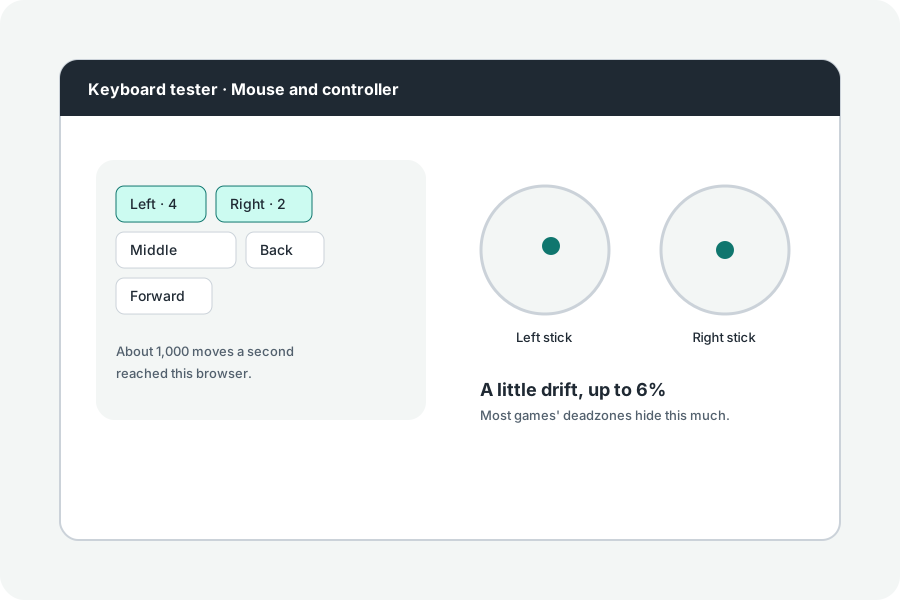
Your character walks on its own. That is stick drift: the stick reports a position when nobody touches it. The drift test reads how much.
Leave the sticks alone.
Connect the controller, press a button, then press Read drift without touching the sticks. For three seconds the test reads where they rest and says how far off centre, as a share of the way to the edge.
What a deadzone hides.
Games ignore small movements near the centre, their deadzone, often around a tenth of the way to the edge. Drift under that is hidden in play; more can move a game. Controllers and drivers have deadzones of their own, and drift they hide never reaches any page.
Range, too.
Check roundness and circle both sticks at their edge for five seconds: the test says how many directions they reached and how far, so a stick that cannot reach a corner shows.
Further reading
Topics: stick drift test · controller drift test · joystick drift · analog stick drift · deadzone · joycon drift test
A little less theory. A little more doing.
Try it on your own terms, with a free browser tool.
Try the tool