

Test your microphone, and hear it back.
Check your microphone in your browser: its level as broadcasters measure loudness, clipping, and five seconds played back. Nothing is sent.
By Suraj Kumar2 min read
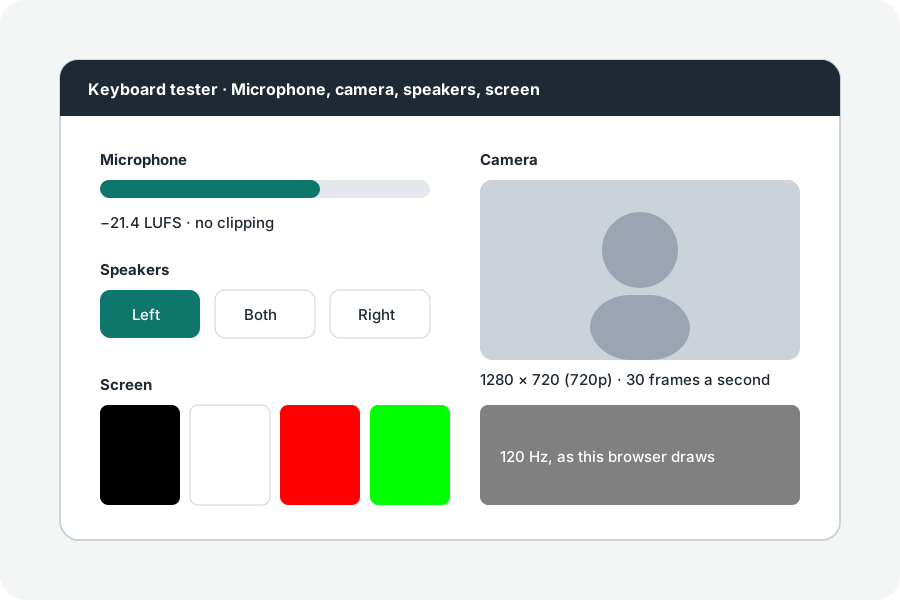
Before a call or a recording, a few seconds tell you whether the right microphone is on and loud enough.
The level.
Speak as you would on a call. The bar is momentary loudness by ITU-R BS.1770, the measure broadcasters use, read by the same meter as KeepSimp's Audio editor; the page says when it hears nothing, when it is quiet, and when it is good.
Clipping.
When the sound is louder than the microphone can pass, its peaks are cut off and it crackles. The page counts samples at full scale and says when to move back or turn the input down.
Hear it back.
Record five seconds and play them back to hear what others hear. The recording lives only in the page's memory. The browser's echo cancelling and noise suppression are off, so you hear the microphone itself, and the page lists what the browser opened.
Further reading
Topics: mic test · microphone test · test my mic · online mic test · microphone not working
A little less theory. A little more doing.
Try it on your own terms, with a free browser tool.
Try the tool