

A .gz file is one file, packed smaller.
What a .gz file is and how to open one in your browser, with nothing uploaded: save the file inside under its own name, its checksum checked.
By Suraj Kumar4 min read
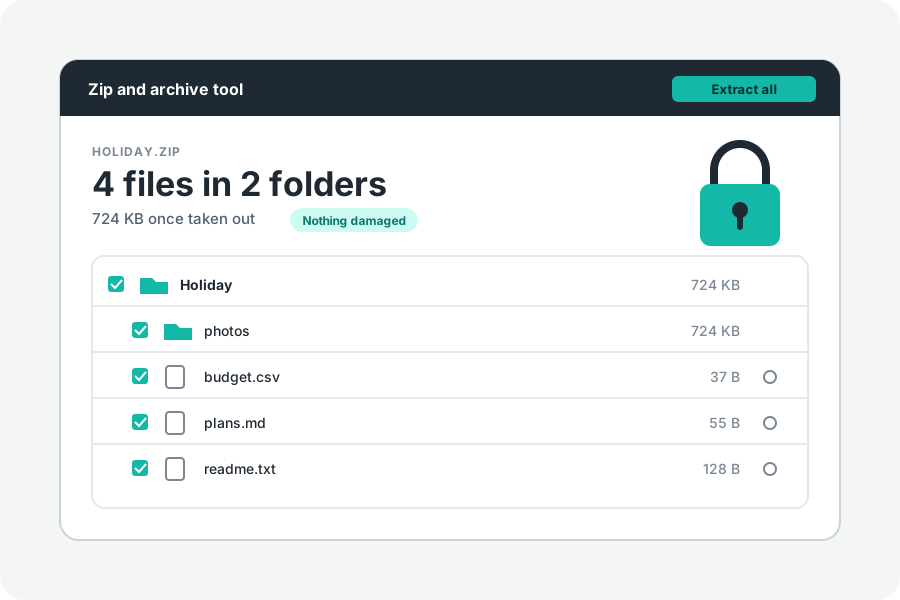
A file that ends in .gz was packed with gzip, the compressor every Linux system and most web servers use. Unlike a ZIP, a .gz holds exactly one file. Open it and you get that one file back, as it was before it was packed.
What is in a .gz.
Gzip is defined in RFC 1952. A .gz file starts with a short header that can hold the packed file's name, its date and the system it was made on, then the packed data, then a CRC-32 checksum and the length of the file as it was.
It has no list of files, because there is only one. When a folder has to travel as a .gz, it is put into a tar first, and the tar is gzipped: that is a .tar.gz, or .tgz. Logs (access.log.1.gz), database dumps (backup.sql.gz) and data downloads (data.csv.gz) are usually plain .gz files of one file.
Open one in your browser.
Open a .gz file and drop it on the page. The file inside is shown with the name its header gives, or the .gz file's own name without .gz when the header has none. Press Download and it is saved under that name. Text, pictures and sound can be previewed first.
When the file inside is a tar, the page sees that and lists the tar's files instead, so a tar.gz saved with only .gz on the end still opens as a folder of files.
Checked as it is unpacked.
The CRC-32 and the length at the end are compared with what was unpacked. If either does not match, or the file stops short, the page says the file is damaged and does not offer it as whole. Check for damage does the same without saving anything.
Some .gz files are several gzip files joined end to end, which `cat a.gz b.gz`, pigz and bgzip make. Gzip reads them as one file, and so does the page, checking every part's own checksum. Zeros after the end are passed over, as gzip passes them over; anything else there is left out and said.
Why the size can say something odd.
The length at the end of a .gz is stored in 32 bits, so for a file over 4 GB it is the size cut down to 4 GB, and for a file of several parts it is the last part's. When the page can tell that the stored size cannot be right, it says so, and the true size is known once the file is unpacked.
Nothing is uploaded, so the only limit is the space on your device. The file is unpacked a piece at a time and never held whole.
Files that look alike but are not gzip.
.xz, .bz2, .zst, .lz4 and .br files are packed by other compressors. The page names what kind of file it is and does not pretend to open it. To make a .gz of your own, see Gzip a file.
Further reading
Topics: what is a gz file · open gz file · gz file opener · gunzip online · extract gz file · gz vs zip · decompress gz · open gz on windows
A little less theory. A little more doing.
Try it on your own terms, with a free browser tool.
Try the tool