

Ready for a chat.
Make a video small enough for WhatsApp in your browser, with nothing uploaded: one answer for chats, a size if you need one, and Status clips cut short.
By Suraj Kumar4 min read
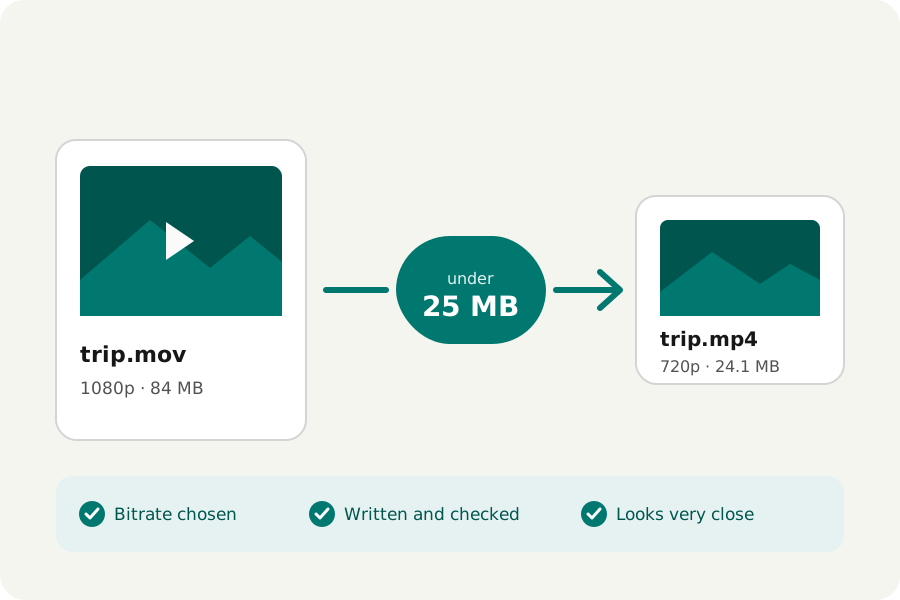
Chat apps limit how large or long a video can be, and may make it smaller again as they send it. Sending a file that is already the right size gives you more say over how it looks. Here is how to do that in your browser, without uploading it anywhere first.
One answer for chats.
Open the Video compressor and turn Must be under a size? off. Then answer Where will it go? with WhatsApp or email. That writes an MP4 with H.264, the kind every phone plays, at no more than 720p and 30 frames a second, at a small quality. Microsoft's Clipchamp names 720p for social posts; pairing it with chats is KeepSimp's own choice.
A video that is already smaller or slower than that is not made larger or faster: the compressor never raises a size or a frame rate.
An iPhone video, often HEVC in a MOV, comes out as H.264 in an MP4, which every phone plays. Drop several videos at once, up to 20, and they are all written with the same answer; download each one, or all of them as a ZIP.
WhatsApp's own limits.
WhatsApp has limits for videos sent in a chat, for files sent as documents and for Status, and they have changed over the years. Look them up in WhatsApp's own help centre rather than trusting a number from an old guide.
When you have a number, turn Must be under a size? on and choose it, or choose Custom and type it. The compressor writes each video to fit under it, checks it, and never hands over a file that is larger.
Without losing quality?
Making a video smaller always takes some detail away; the question is whether you can see it. After writing, the compressor compares six frames of the result with the original and says it in words: hard to tell apart, very close, close but a little softer, or noticeably softer.
If it reads softer than you want, keep it shorter rather than smaller. A short clip at 720p looks sharp on a phone; a long one squeezed into the same size does not.
For Status, cut it short and tall.
Status is watched on a tall phone screen and in short pieces. The Video trimmer keeps the part you want, or splits a longer video into several files, each one copied without encoding where it can. Crop video cuts a wide picture to 9:16 around its middle, so it fills the screen.
Nothing leaves your device.
Everything is done by your browser: the video is never uploaded to KeepSimp, and there is no account, no watermark and no limit on how many you make. Up to 20 videos can be done at once.
Further reading
Topics: compress video for whatsapp · video too large for whatsapp · whatsapp status video · reduce video size for whatsapp · 720p video for whatsapp · send long video on whatsapp · compress video without losing quality
A little less theory. A little more doing.
Try it on your own terms, with a free browser tool.
Try the tool