

Edit a video, keep it clean.
Two free video editors that run in your browser, with nothing uploaded: no watermark, no account. One for a single video, one for putting many clips together.
By Suraj Kumar5 min read
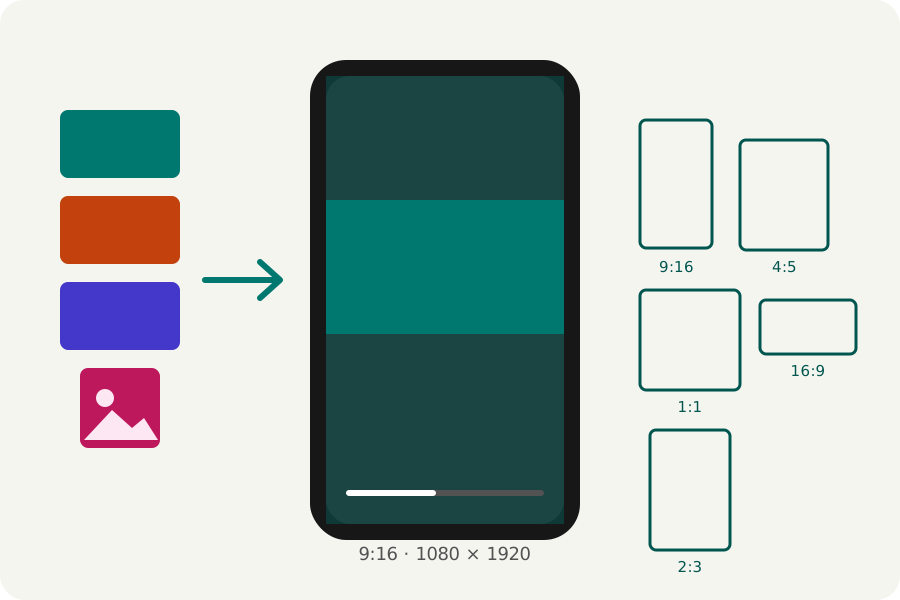
Many free video editors put their logo on what you export, or keep the clean export behind an account. KeepSimp's editors put nothing on your video and ask for no account. They run in your browser, so your footage is never uploaded. There are two, for two different jobs.
Two editors, two jobs.
The Video editor works on a video you already have: trim it, crop it, turn it, change its speed, add music, text, a logo or subtitles, make it smaller, convert it, join videos or make a GIF. Up to 20 videos can be opened at once, of any length.
The Reel maker puts many clips and photos together into one new video on a timeline, with text, stickers, transitions, music and captions. It is made for Reels, TikTok and Shorts but writes any shape, including 16:9 for YouTube.
What the Reel maker does.
Choose where it will be posted and the reel takes that shape. Add videos and photos, then cut, split, reorder and speed up clips on the timeline; every drag can be undone. Add words that move, stickers, transitions between clips, music that goes quieter under a voice-over, and captions heard on your device that light up word by word. About forty templates play as you browse them.
There is no keyframe editor of its own yet, and a voice-over is recorded with the Voice recorder and then added.
Which one to open? To cut a screen recording and send it, or to make a phone video smaller, the Video editor. To put holiday clips and photos together with music and words, the Reel maker. They work together: the Screen recorder's Edit it opens a recording in the Video editor, and a finished reel can be opened there to be cut or compressed again.
The export, checked.
Both write MP4 with H.264 by default, which every platform takes; WebM and other kinds are under More options. The Reel maker asks your browser what it can write at the real size and steps down when it cannot, saying so. Every result is opened again and checked, its size, length, picture and sound, before it is offered.
Nothing is added to the picture but what you put there. A logo of your own can be placed on a video, though no logo stops a video from being copied.
What your browser needs.
The editors use the browser's own video encoders (WebCodecs), found in current Chrome, Edge, Safari and Firefox on a computer. Firefox on Android has none, so use another browser there. A long or 4K edit asks a lot of a phone; a laptop is quicker.
Because the work happens on your device, there is no upload to wait for, no file size limit set by a server, and nothing kept by KeepSimp.
Further reading
Topics: free video editor no watermark · video editor no sign up · online video editor free · video editor without watermark · browser video editor · free reel maker no watermark · edit video without uploading
A little less theory. A little more doing.
Try it on your own terms, with a free browser tool.
Try the tool