

Put a ZIP that came in parts back together.
Join the parts of a split ZIP (.z01 … .zip or .001, .002 …) into one ZIP in your browser, every file checked on the way. Nothing is uploaded.
By Suraj Kumar4 min read
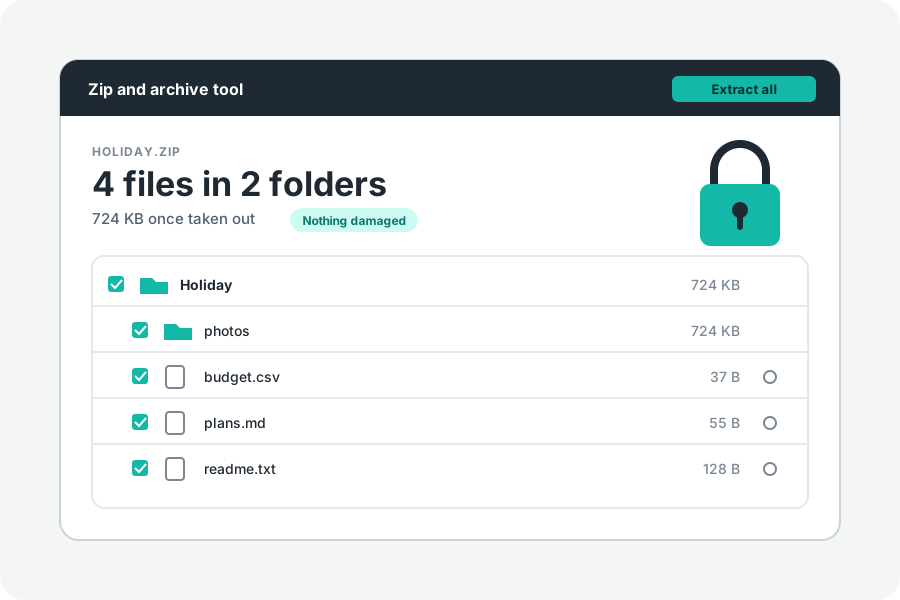
A ZIP too big for an email or an upload is often sent in parts: name.z01, name.z02 … and name.zip, or name.zip.001, name.zip.002 and so on. None of them opens alone, and Windows Explorer and the Mac's Archive Utility do not open the first kind at all. Here is how to open them together and save them as one ZIP that opens anywhere.
Two kinds of parts.
A split ZIP (.z01, .z02 … .zip) is one archive written across several files by WinZip, 7-Zip or `zip -s`. Its list of files is in the last part, the .zip, which is why that one alone says it is damaged or opens with nothing in it.
A cut ZIP (.zip.001, .zip.002 …) is one ordinary ZIP chopped into pieces of the same size, as 7-Zip and file-splitting tools do. Put back end to end, the pieces are the ZIP again.
Both need every part. One missing part means the files in it cannot be read, and usually the whole list cannot either.
Choose every part at once.
Open Join split ZIP files and choose all the parts together: hold Shift or Command (Ctrl on Windows) in the file window, or drop them all on the page. The order does not matter; they are put in order by their names, with the .zip last.
The files inside are listed as from any ZIP, with their folders. You can preview them and take out one, some or all, straight from the parts.
Save them as one ZIP.
Press Save as one ZIP. Each file is taken out of the parts and checked against its checksum, then written into one new ZIP, which is opened again and counted before it is offered. A file that fails its check is named and not written, so the new ZIP never passes damage on as if it were whole.
A locked set is locked again, with the same password and the same kind of lock. The password is used only while the page is open and is never kept.
On a terminal, Info-ZIP's `zip -s 0 split.zip --out whole.zip` does the same. In the page, everything happens in your browser, and nothing is uploaded.
When a part is missing or damaged.
When the page says the list of files cannot be read, check that every part is there, with no gaps in the numbers, and that each is its full size: apart from the last, the parts of a set are usually all the same size, so a shorter one did not finish downloading.
If only the last part is lost, Repair a ZIP can still find the files in the parts you have. A file that runs into the missing part cannot be brought back.
Cutting one into parts again.
To send something in parts yourself, Split a ZIP makes .z01 … .zip parts of 10, 20, 25 or 100 MB, which 7-Zip, WinZip and this page open together.
Further reading
Topics: join split zip · combine split zip files · merge zip parts · open z01 file · zip.001 file · split zip into one · zip -s 0 · multi-part zip
A little less theory. A little more doing.
Try it on your own terms, with a free browser tool.
Try the tool