

When a ZIP is too large to email.
Cut a ZIP into parts that fit an email in your browser, with nothing uploaded, and see the Gmail and Outlook limits, why zipping barely helps, and other ways.
By Suraj Kumar5 min read
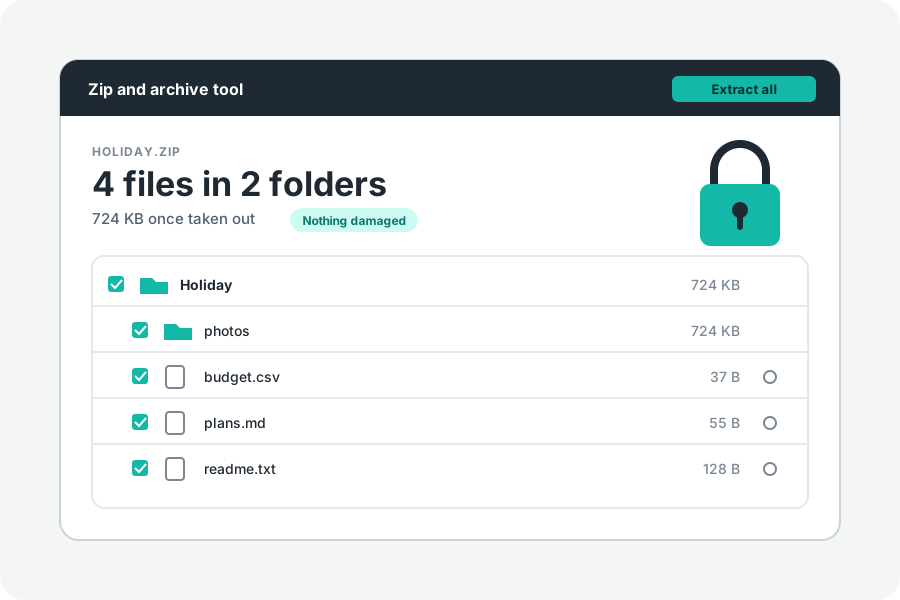
Your email will not take the file, so you zip it, and the ZIP is almost as large. That is usual. Here is how large an attachment can be, why zipping often barely helps, and how to cut a ZIP into parts that fit, in your browser.
How large an attachment can be.
Google's help says a personal Gmail account sends up to 25 MB of attachments; for work and school accounts, the administrator sets the limit. Microsoft's help says the Outlook app sends up to 20 MB with internet accounts such as Outlook.com or Gmail, and 10 MB by default with Exchange accounts at work, counting the message as well as its attachments.
Attachments travel as text, which the MIME standard writes as four characters for every three bytes, and services count in their own ways. If a part of the full limit is refused, choose the next size down.
Why zipping often barely helps.
Large files are mostly photos, videos, music and PDFs, which are compressed already. Packing them again finds almost nothing to save, so the ZIP comes out about as large as they were. Plain text and code shrink well, but they are rarely what makes an email too large.
To make such files smaller, make the files themselves smaller: lower a picture's size or quality, or a video's. The result can then fit in one email.
Cut the ZIP into parts.
Open Split a ZIP into parts and drop the files or folders. The page packs them as small as they go, and asks for the largest part your email takes: 10, 20, 25 or 100 MB. 20 MB is chosen to start with. Press Make the ZIP, and download each part.
The parts are named as ZIP programs expect: name.z01, name.z02 and so on, and the last one name.zip. Send them in as many emails as it takes, one or more parts in each. If everything fits in one part, you get one ordinary ZIP.
Who can open the parts.
The person needs every part, in one folder, and a program that reads ZIPs in parts. In our tests 7-Zip opened them from the .zip part, locked ones too. The Mac's Archive Utility, the unzip that comes with macOS, Python's zipfile and Windows File Explorer do not open ZIPs in parts.
In any browser, the Zip and archive tool opens them when every part is chosen at once, and says which part is missing if one is.
Other ways to send it.
A link from cloud storage is the other common way. Gmail's help says a file over 25 MB is added as a Google Drive link instead of an attachment, and Microsoft's help suggests saving the file to OneDrive or another cloud service and sending the link. The file is then uploaded to that service, and anyone with the link may be able to open it, depending on how it is shared. Parts by email keep the file out of a third place but take more emails.
Further reading
- Send attachments with your Gmail message, Gmail Help (opens in a new tab)
- Reduce attachment size to send large files with Outlook, Microsoft Support (opens in a new tab)
- RFC 2045: MIME part one, section 6.8: Base64 content-transfer-encoding (opens in a new tab)
- APPNOTE.TXT: the .ZIP file format specification, PKWARE (opens in a new tab)
Topics: zip file too large to email · split zip file · email attachment size limit · gmail attachment limit · outlook attachment limit · send large files by email · zip in parts · reduce zip size
A little less theory. A little more doing.
Try it on your own terms, with a free browser tool.
Try the tool