

A photo as a PDF under 200 KB, without losing the words on it.
Turn a JPG into a PDF under 200 KB in your browser, nothing uploaded: make the JPG small enough first and keep it as it is, or compress the PDF after.
By Suraj Kumar4 min read
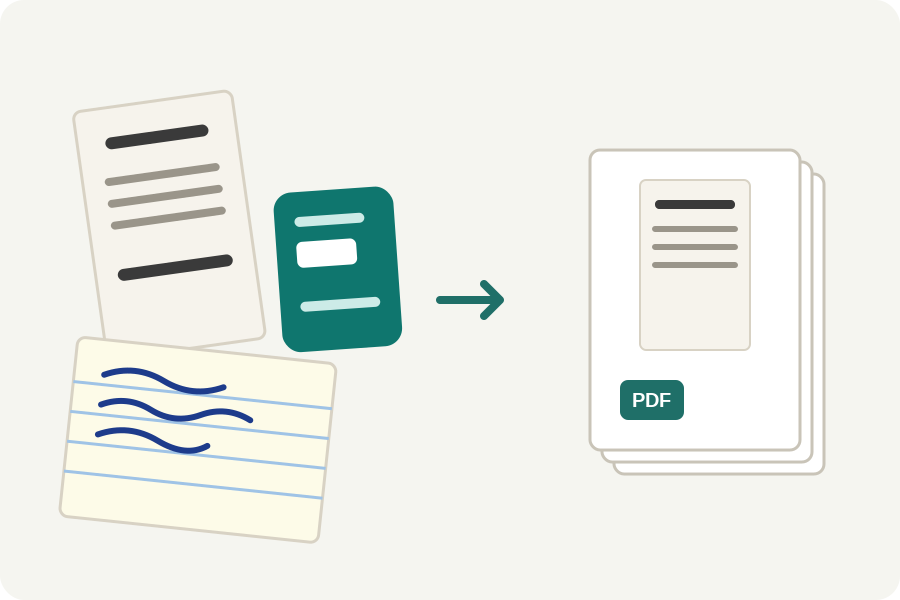
A form wants a certificate or an ID card as a PDF, under 200 KB, and your phone's photo of it is 3 MB. There are two ways to get there with KeepSimp, both in your browser with nothing uploaded. The first gives you the most control over how it looks.
The surest way: make the JPG small first.
Open Compress image to KB, drop the photo and set the limit a little under what the form allows, such as 180 KB for a 200 KB limit. You see the result before you save it, and a sentence says how close it looks to the photo you dropped.
Then open JPG to PDF, drop the small JPG and answer “What are your pictures?” with Photos. A JPEG goes into the PDF as it came, so the PDF is only a few KB larger than the JPG and looks exactly like it.
The other way: make the PDF, then compress it.
If you have several photos for one PDF, make the PDF first with JPG to PDF, then open Compress PDF to KB and choose 200 KB. The compressor swaps each picture for a smaller one it has checked, and says what the file came to, or that it could not reach the limit.
The PDF maker's own size switch starts at 1 MB, so for limits in KB the compressor is the step that gets you there.
Keep the words readable.
Crop the photo to the document before you start: a desk around the page takes up KB for nothing. The PDF maker can find the sheet in a photo and straighten it, which also makes the text easier to read when the file is made small.
Zoom in on the smallest print before you upload. If it has gone soft, give the image a little more room, or make it one page per file if the form allows several uploads.
Further reading
Topics: jpg to pdf under 200kb · jpg to pdf 200kb · convert jpg to pdf below 200 kb · image to pdf under 100kb · reduce pdf size for upload
A little less theory. A little more doing.
Try it on your own terms, with a free browser tool.
Try the tool