

PDF to PowerPoint slides you can edit.
Turn a PDF into PowerPoint slides in your browser: each line of a page becomes a text box where it stood, or each page a picture that looks the same.
By Suraj Kumar2 min read
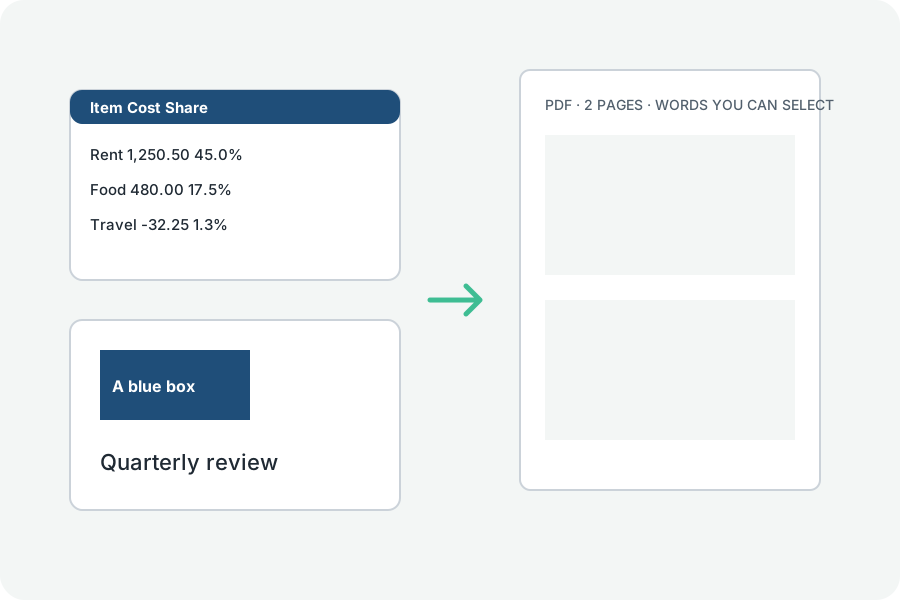
Two ways to bring a PDF into PowerPoint, chosen under More options.
Words to edit.
Each line becomes a text box where it stood, with its size, weight, slant and colour, and the page's pictures come with it. The page's drawings and shading are not carried over.
The look kept.
Each slide is a picture of its page, looking just as it did; its words cannot be changed.
Checked before you get it.
The PowerPoint file is written by our own code and read back before it is offered, to be sure every slide and its words are there.
Further reading
Topics: pdf to ppt · pdf to powerpoint · pdf to pptx · convert pdf to slides · pdf to powerpoint free
A little less theory. A little more doing.
Try it on your own terms, with a free browser tool.
Try the tool