

PowerPoint to PDF in your browser.
Turn PowerPoint slides into a PDF on your device: a page for each slide, real selectable words, and a plain list of anything not drawn.
By Suraj Kumar2 min read
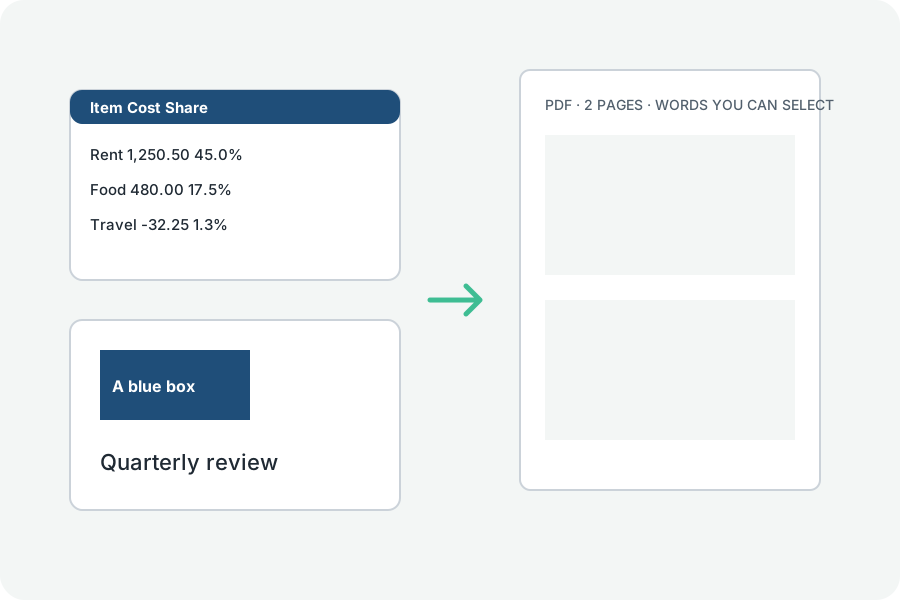
Slides become PDF pages of the same size, with words you can still select and search.
What is drawn.
Words with their size, weight and colour, boxes with their fills and outlines, pictures, tables and backgrounds, placed as the slide, its layout and its master place them.
What is not.
Charts, SmartArt, video, lines between shapes, effects and animations are not drawn, and the result names each one it left out, so you know what to check.
Fonts.
The slides are drawn with this site's fonts in place of the deck's, so lines may break a little differently.
Further reading
Topics: ppt to pdf · powerpoint to pdf · pptx to pdf · slides to pdf · convert powerpoint to pdf
A little less theory. A little more doing.
Try it on your own terms, with a free browser tool.
Try the tool