

Excel to PDF without uploading the workbook.
Turn an Excel workbook into a PDF in your browser: each sheet starts a page, wide sheets turn sideways, and cells show the values Excel saved.
By Suraj Kumar2 min read
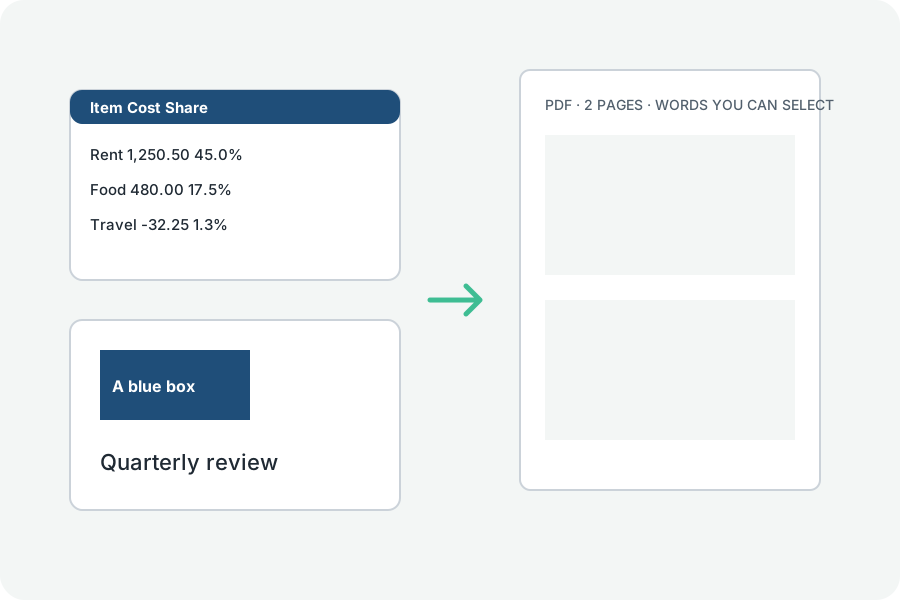
A workbook becomes a PDF on your own device, read by our own reader and laid out by MuPDF.
Each sheet, a page.
Every visible sheet starts a page; hidden sheets are left out unless you ask. A sheet wider than the paper is turned sideways and, if it is wider still, printed in pieces of columns, each headed with the columns it holds.
The values Excel saved.
Cells show what Excel last saved and showed: numbers, dates and percentages in their own formats, bold and fills kept. Formulas are not worked out again, so a file saved by a program that keeps no values shows those cells empty, and the result says how many hold formulas.
Nothing uploaded.
The workbook is read in your browser and the PDF is written there; nothing is sent anywhere or kept.
Further reading
Topics: excel to pdf · xlsx to pdf · convert excel to pdf · spreadsheet to pdf · excel to pdf free
A little less theory. A little more doing.
Try it on your own terms, with a free browser tool.
Try the tool