

A PDF's details, named and taken out.
Remove a PDF's author, dates, software, XMP, comment names, attachments and scripts in your browser, with each one listed first and checked gone after.
By Suraj Kumar5 min read
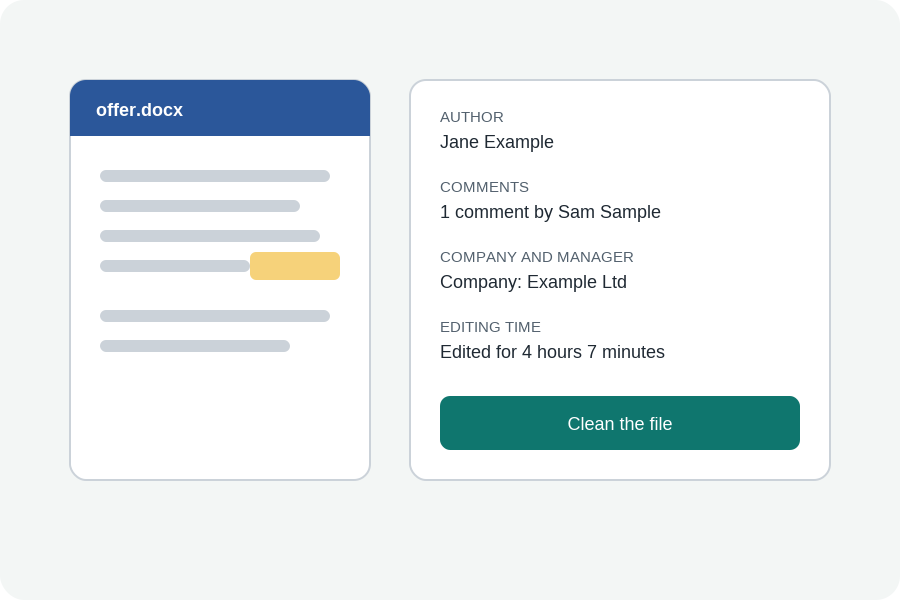
Every PDF says who made it and with what, and many say a good deal more. Drop one here to see each detail with its value, choose what goes, and get a copy that has been opened again to check.
What a PDF holds besides its pages.
The document's information dictionary holds the author, the program that wrote it and the one that made the PDF, when it was made and last changed, a title, subject and keywords, and sometimes names a company or other fields of its own. The XMP description usually repeats them, so both go together.
Beyond those, a PDF can carry the author and date on every comment, files attached inside it, JavaScript run when it opens, small preview pictures of pages, filled-in form fields, and data private to the program that made it (PieceInfo). JPEG pictures inside it can carry their camera and place.
Choose, clean, check.
The recommended answer takes out what names people or places: the author, other fields of its own, XMP, the names and dates on comments, and details inside photos. The comments themselves stay. Everything listed also takes out dates, software, titles, attachments, scripts, page previews and filled-in fields; Let me choose sets each line yourself.
The file is written whole, with what nothing points to dropped, so no older version hides at its end. The copy is opened again and offered only when nothing chosen is left and every page draws the same words. A file that needs a password to open is not read: unlock it first.
What a clean PDF can still say.
Only what is listed is taken out. A name in the pages themselves, a font named after its maker's customer, words inside a scanned picture and the file's own name stay. Form fields' own scripts, which make a form work, are listed and kept.
A signed PDF loses its signature when it is cleaned, since the copy is a new file. To make comments part of the page instead of taking them out, flatten the PDF.
Further reading
Topics: remove pdf metadata · pdf metadata remover · delete pdf author · strip pdf metadata · clean pdf metadata · remove xmp from pdf
A little less theory. A little more doing.
Try it on your own terms, with a free browser tool.
Try the tool