

Left and right: is your sound the right way round?
Check that your headphones or speakers are the right way round, in your browser: beeps in the left, the right and both. Nothing is sent.
By Suraj Kumar2 min read
Music mixed for headphones sounds wrong when the sides are swapped.
Each side.
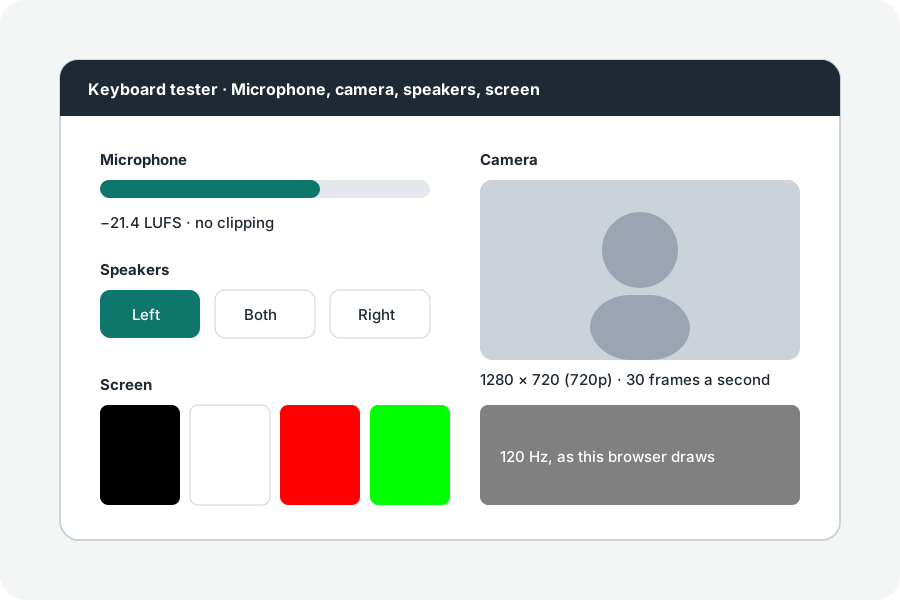
Press Left, then Right: each plays three beeps placed fully on its side by a stereo panner.
Swapped or mono.
If the sides are swapped, the headphones are on the wrong ears or the speaker cables are crossed. If both sides play every beep, mono audio is on in your system's accessibility settings.
Bluetooth.
Bluetooth adds a short delay before each beep, which no page can measure; it does not change the sides.
Further reading
Topics: left right audio test · stereo test · left right headphone test · stereo sound test · earphone test
A little less theory. A little more doing.
Try it on your own terms, with a free browser tool.
Try the tool