

A deeper voice, or a higher one.
Change a voice in a recording in your browser, nothing uploaded: deeper, much deeper, higher or chipmunk, as long as it was, in MP3, M4A, WAV or a video.
By Suraj Kumar3 min read
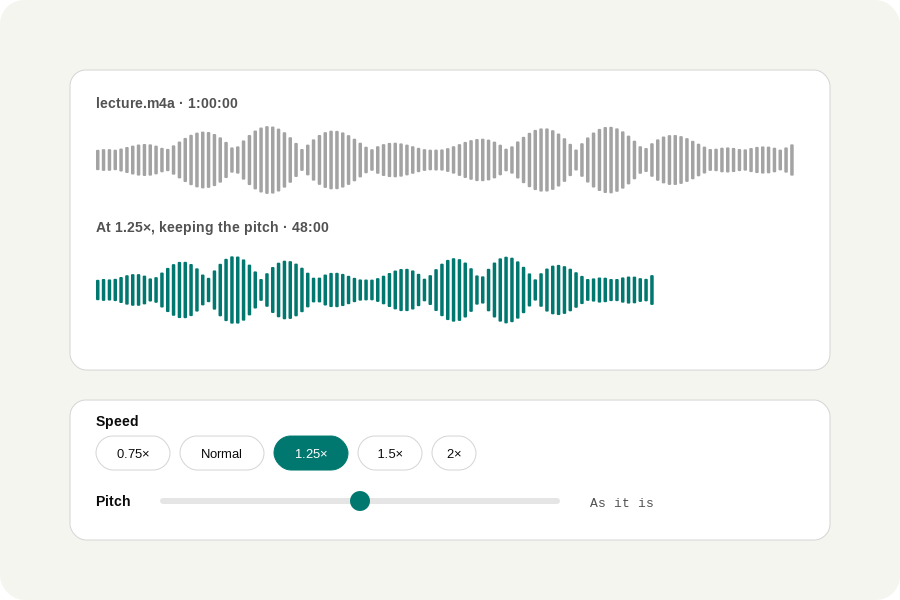
A voice-over that should sound older, a clip made for a laugh, a narration a little lower than you speak. Voice changer moves the pitch of a recording down or up and keeps its length, so the words keep their timing. It works on files you already have, in your browser, and nothing is uploaded.
Drop a recording, choose how it sounds.
Open Voice changer and drop up to 50 files: MP3, M4A and AAC, Opus, FLAC, WAV, AIFF, or a video, whose sound is taken out and whose picture is left behind. The page asks how the voice should sound, with Deeper chosen for you.
Deeper is four semitones lower and Much deeper eight; Higher is four semitones up and Chipmunk eight. Each file is written in its own format unless you choose another under More options, checked, and ready to listen to and download.
Lower or higher, the same length.
A semitone is one step on a piano's keys, and twelve make an octave. To move the pitch and keep the length, the sound is first stretched by the pitch's ratio, its pieces joined where their waveforms match, and then played faster or slower by the same ratio. The words come out where they were, only lower or higher.
More options holds the exact pitch, from 12 semitones down to 12 up. Small steps sound most natural; at eight semitones a voice takes on the boomy or squeaky colour people expect of a giant or a chipmunk, which is the point of those two.
What it does not do.
It changes the pitch and nothing else. A deeper voice is still the same person, lower: it does not make anyone sound like a particular person, and it adds no robot, echo or other effects.
It works on recordings, not live: it cannot change your voice in a call, a game or a stream as you speak. Record yourself first, with the Voice recorder in the Audio editor or any other app, then change the file.
Nothing is uploaded.
Every file is read, changed and written in your browser. There is no account and no limit on how many recordings you change, and nothing is kept when you leave.
The file you dropped is never changed: the changed voice is a new file, so the original is there to go back to.
Further reading
Topics: voice changer · voice changer online · deep voice changer · chipmunk voice · make voice deeper · change pitch of voice · pitch shifter online · voice changer for recordings
A little less theory. A little more doing.
Try it on your own terms, with a free browser tool.
Try the tool