

A ZIP cut short still holds most of its files.
Get back the files of a ZIP that will not open after a download, in your browser: what can be found is saved as a new ZIP, every file checked.
By Suraj Kumar5 min read
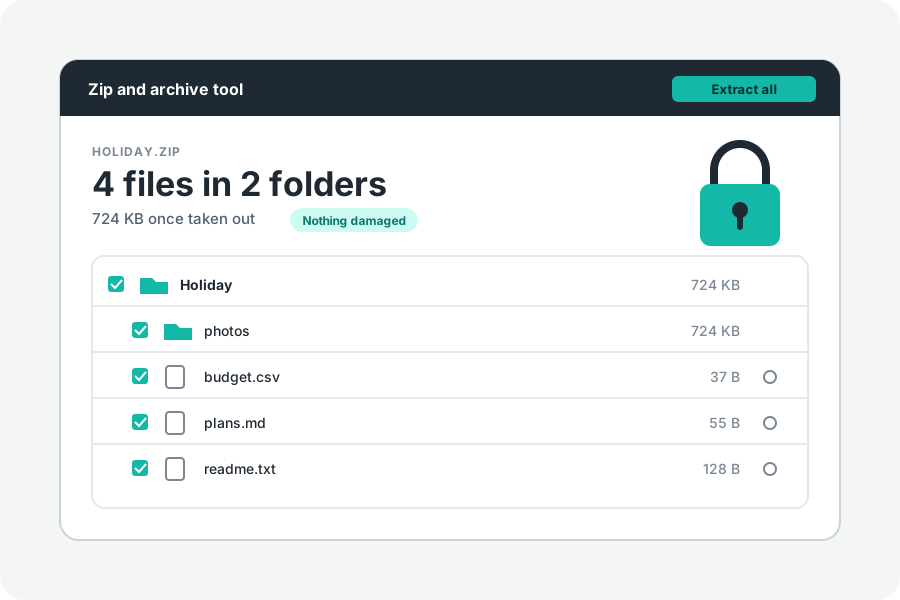
A ZIP that opens empty, says “unexpected end of archive”, or will not open at all after a download has most often been cut short. A ZIP keeps its list of files at its very end, so losing the last few bytes can hide everything before them, even though those files are still there. Here is how to get them back, and what cannot be.
Why a cut ZIP looks empty.
Each file in a ZIP is stored with a small header of its own, one after another. At the end comes the central directory, the list that every program reads first, with an end record that says where it is. When a download stops early, the end record is gone, so the program cannot find the list, and says the file is invalid, damaged, or empty.
The headers before the break are still there. Reading the file from its start and finding each header finds the files again, as Info-ZIP's `zip -FF` does on a terminal.
First, download it again.
A fresh, whole copy is always better than a rebuilt one. Download it again, on another connection or in another browser if you can, and compare its size with the size the sender or the site gives. If it is still broken, ask for it to be made and sent again.
Get back what is there.
Open Repair a ZIP and drop the file. When its list cannot be read, the page offers to look for the files in it. Every file header it finds is read, each file's data is copied as it is, with nothing packed again, and a new list is written after them, so the result is an ordinary ZIP that every program opens.
The new ZIP is then checked file by file. The page says how many files were found, which ones are whole, which were left out and why: the last file usually runs into the break and is left out, and a file whose checksum does not match is named.
Locked files stay locked as they were, and are checked once you give the password. Everything happens in your browser; nothing is uploaded.
What cannot be brought back.
Bytes that were never downloaded are not anywhere to be found. A file that runs into the break is lost, as is any file after it, and a file whose bytes were changed on the way stays damaged: its checksum says so, but cannot say which bytes, or put them right.
So the page says what it found and checked, and never calls an archive repaired beyond that.
A set of parts with one missing.
For a split ZIP (.z01, .z02 … .zip) whose last part is missing or broken, choose the parts you have: the files whose data lies wholly in them can still be found.
Further reading
Topics: zip file corrupted after download · zip file empty after download · repair zip file · fix corrupted zip · recover files from damaged zip · unexpected end of archive · zip -FF · zip end of central directory not found
A little less theory. A little more doing.
Try it on your own terms, with a free browser tool.
Try the tool