

Your photos, set to music.
Make a photo slideshow with music in your browser, with nothing uploaded: one press to lay out the photos, cuts on the beat, transitions, and an MP4 to share.
By Suraj Kumar4 min read
A holiday, a birthday or a year of a child's life makes a lovely slideshow, and the music is half of it. The Reel maker turns a set of photos into a video in one press, cuts them to the music's beat in another, and writes an MP4, all in your browser.
One press for the photos.
Open the Reel maker, choose the shape (tall for Reels and TikTok, wide for YouTube or a television, square for a feed) and press Make a reel from my photos. The photos go into the template that fits their number best, a photo dump first, and a message offers Undo if it is not what you wanted.
Each photo shows for 3 seconds at first. Choose 2, 3 or 5 seconds for a photo, or set its exact length under Fine-tune, and drag photos on the timeline to change their order.
Add the music, cut to the beat.
On the Music tool, add a song or any sound file of your own; KeepSimp has no music library. It can loop, fade in and out, and go quieter under a voice-over. As soon as the music has a beat, Cut the clips to the beat moves each photo's end so that the next one starts on a beat, every two beats by default, or every beat or four in the music's settings.
Use music you are allowed to use. The guide on adding music says where to find it.
Or start from a template.
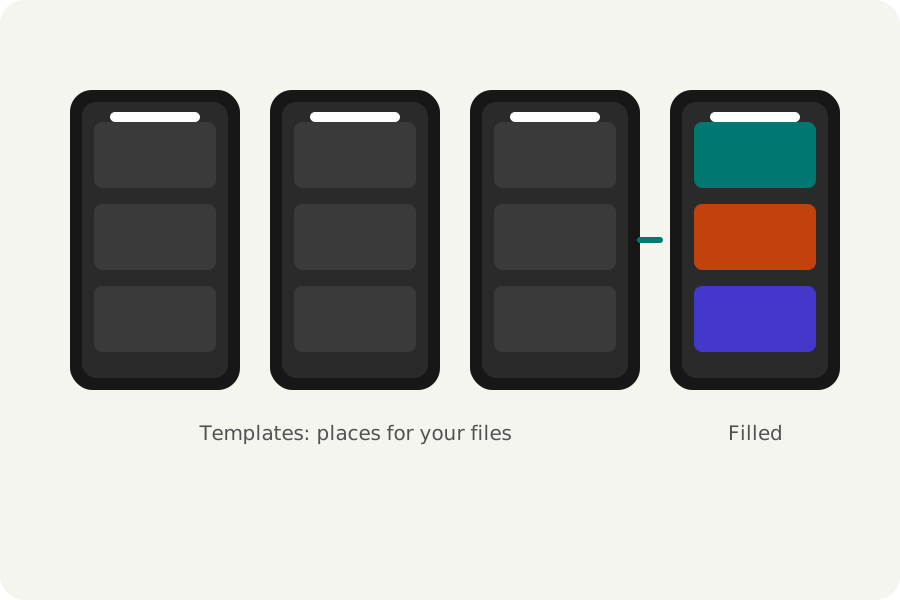
About forty templates play as you look at them, for travel, birthdays, events, food and more, with numbered places for your photos. Choose one, put your photos in its places, and change anything after. A reel you like can be kept as a template of your own.
Transitions between photos, such as a crossfade, a dip to black or a wipe, and words that move on screen are added from the editor's tools.
A wide photo in a tall reel can fill the frame, losing its sides, or fit whole over a blurred copy of itself, so nothing is cut off. Drag a photo on the canvas to choose which part shows. Titles, dates and names go on as text with a motion of their own, and stickers as small pictures; both are drawn by the same renderer as the preview, so what you see is what is written.
Save it and share it.
Export writes an MP4. Best for the platform suits a post; Sending in a chat makes a smaller 720p file for WhatsApp or email; Keeping the most detail writes 1080p at high quality. The result is checked before it is offered, and the page says how large it came to.
Your photos and music never leave your device, and there is no watermark or account.
Further reading
Topics: photo slideshow with music · slideshow maker free · make a video from photos · photos to video with music · slideshow maker no watermark · photo reel with music · make a reel with photos and music
A little less theory. A little more doing.
Try it on your own terms, with a free browser tool.
Try the tool