

Open a tar.xz, tar.bz2 or tar.zst without the terminal.
Extract a tar.xz, tar.bz2 or tar.zst in your browser with nothing uploaded, and open single .xz, .bz2, .zst and .br files too. No terminal needed.
By Suraj Kumar4 min read
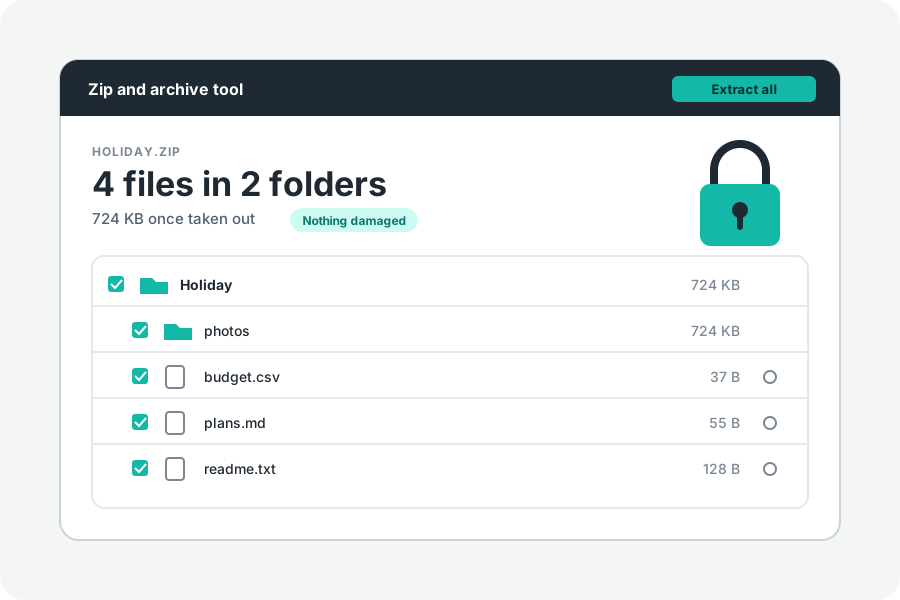
Software, source code and Linux downloads often come as tar.xz, tar.bz2 or tar.zst. On Linux, tar opens them. Elsewhere you may need a program or a command. KeepSimp opens them in your browser, with nothing sent anywhere.
One tar, three ways of packing it.
Each is a tar, files one after another with their names and folders, packed smaller as one stream. The ending says how: .xz is XZ (LZMA2), .bz2 is bzip2, and .zst is Zstandard. A tar.gz is the same idea with gzip.
On a terminal, `tar -xJf` opens a tar.xz, `tar -xjf` a tar.bz2, and `tar --zstd -xf` a tar.zst, as the GNU tar manual says.
Open it in your browser.
Open Extract a tar.xz and drop the file. Its files and folders are listed, whatever the file is called. Preview what you like, then take out everything, a folder or one file.
A packed tar has no index, so reaching a file means unpacking everything before it. Taking out one file near the end takes about as long as taking out them all.
A single .xz, .bz2, .zst or .br file.
Without a tar inside, each of these holds one file, as a .gz does. It is unpacked and saved under the file's name without its ending. A .br is Brotli, which has no mark of its own at its start, so it is known by its name.
What a browser does not keep.
Files taken out get today's date, not their own, and no permissions or owner, so a script comes out as a plain file. Links inside are listed and never made. Writing into a folder works in Chrome and Edge only; other browsers save several files as one ZIP.
This tool makes tar.gz and tar, not tar.xz, tar.bz2 or tar.zst. Every Linux and Mac opens a tar.gz.
Further reading
- GNU tar manual: creating and reading compressed archives (opens in a new tab)
- XZ Utils, Tukaani (opens in a new tab)
- bzip2 and libbzip2, Sourceware (opens in a new tab)
- RFC 8878: Zstandard compression and the application/zstd media type (opens in a new tab)
- RFC 7932: Brotli compressed data format (opens in a new tab)
- libarchive: a portable archive and compression library (opens in a new tab)
- Window: showDirectoryPicker() method, MDN (opens in a new tab)
Topics: extract tar.xz · open tar.xz file · extract tar.bz2 · extract tar.zst · open xz file · open zst file · tar -xJf · unpack tar.xz on windows
A little less theory. A little more doing.
Try it on your own terms, with a free browser tool.
Try the tool